
Plugin Permission Isolation Reduces WordPress Security Exposure
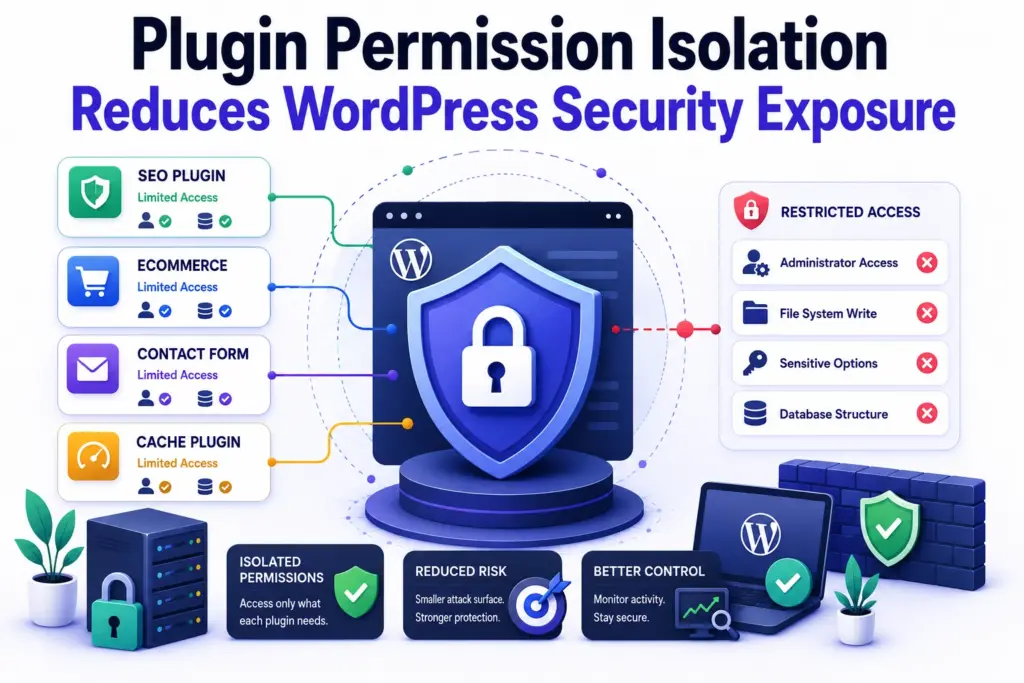
WordPress security rarely fails because of one catastrophic vulnerability. More commonly, risk accumulates gradually through excessive plugin permissions, outdated dependencies, and uncontrolled integrations. Initially, plugins solve operational problems quickly. However, unrestricted access increases infrastructure exposure over time. Many WordPress environments prioritize functionality over permission control. Consequently, plugins receive broader access than necessary for their actual […]
Performance Optimization Workflow Improves Long-Term Site Stability
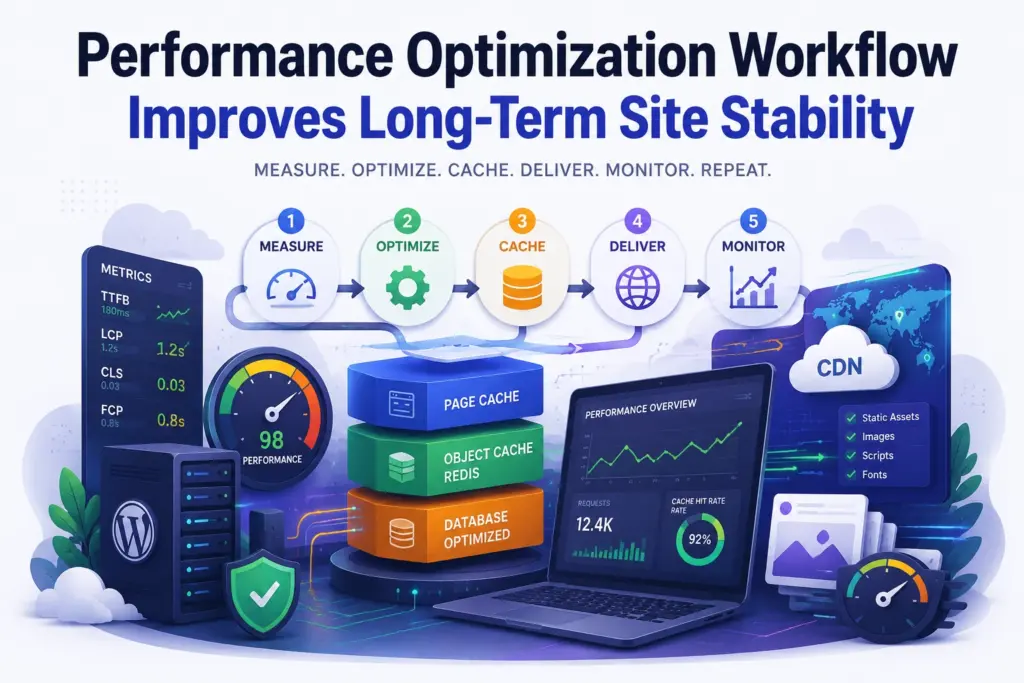
Performance optimization often becomes reactive. A website slows down, plugins get installed, cache settings change, and temporary fixes accumulate. Consequently, infrastructure becomes harder to predict. Stable systems require repeatable workflows. At Wisegigs, performance work begins with measurement and dependency mapping before any optimization changes occur. Structure determines reliability. Random tuning usually creates new bottlenecks later. […]
WiseCloudHost: High-Performance Managed WordPress Hosting
Wisegigs Limited is proud to introduce WiseCloudHost, a managed WordPress hosting solution built to deliver speed, stability, and a hassle-free experience for modern websites. Websites today demand more than basic hosting. Performance, security, and reliability are essential — and WiseCloudHost is engineered precisely around these priorities. The platform is designed to help businesses, creators, and […]
How WordPress Really Works Behind the Scenes
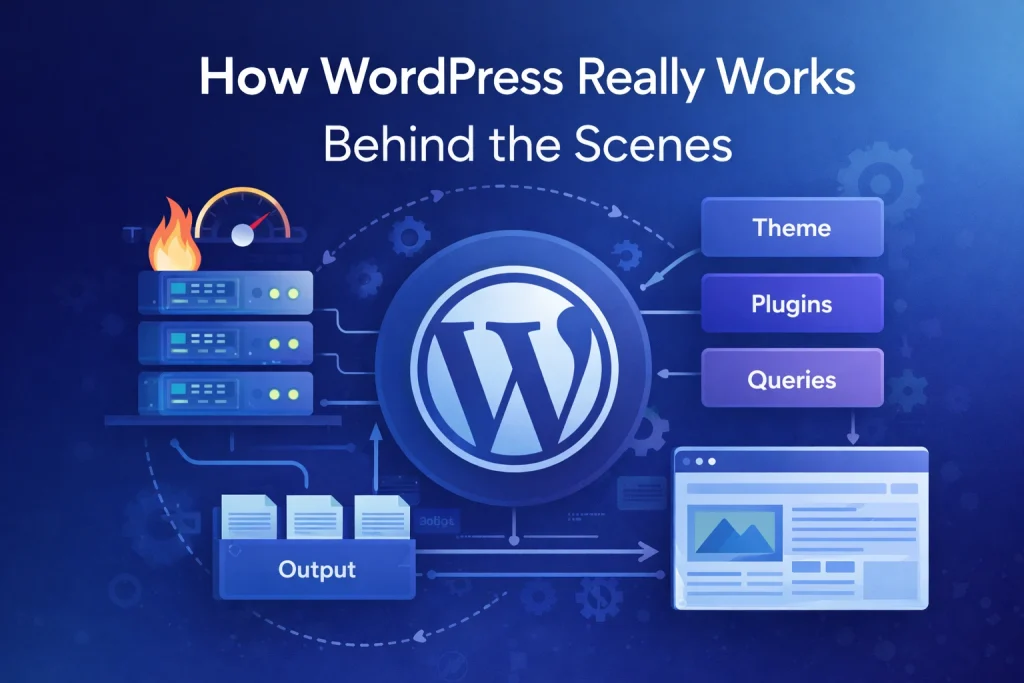
WordPress looks simple on the surface. Pages load. Content publishes. Plugins install. Everything appears to work.Because of this, most people never think about what actually happens behind the scenes. However, that simplicity hides a complex system. At Wisegigs, we often work with WordPress sites that function correctly but are structurally fragile. They work today, but […]
Why WordPress Security Is a Requirement, Not a Feature
WordPress security is a requirement, not a feature. Many site owners still treat security as something optional, added only after a problem appears. However, modern websites operate in an environment where automated attacks, bots, and vulnerabilities are constant. Because of this, security can no longer be treated as an add-on. It must be part of […]
How Bad Tracking Leads to Bad Decisions
Marketing decisions depend heavily on data. Teams track conversions, sessions, clicks, and engagement in the hope of understanding what works. However, bad tracking creates bad decisions. At Wisegigs.eu, we often see teams make confident moves based on analytics that are incomplete, misleading, or technically broken. As a result, budgets are misallocated, performance drops, and teams […]
Building WordPress Performance the Right Way
WordPress performance problems rarely start with hosting. In most cases, they begin much earlier, during development. Teams add features quickly, ship without measuring impact, and rely on caching to cover structural issues. At first, everything feels fast enough. Over time, however, pages slow down, backend actions lag, and stability becomes harder to maintain. At Wisegigs.eu, […]
VPS vs Cloud: The Wrong Comparison Teams Keep Making
The VPS vs cloud debate usually starts with the wrong question. Instead of examining how systems are designed and operated, teams compare pricing models, scalability claims, and provider features. As a result, one option is labeled “modern” while the other is dismissed as “old school.” Because of this framing, teams often make decisions quickly and […]
Why “It Works” Is Not a WordPress Strategy
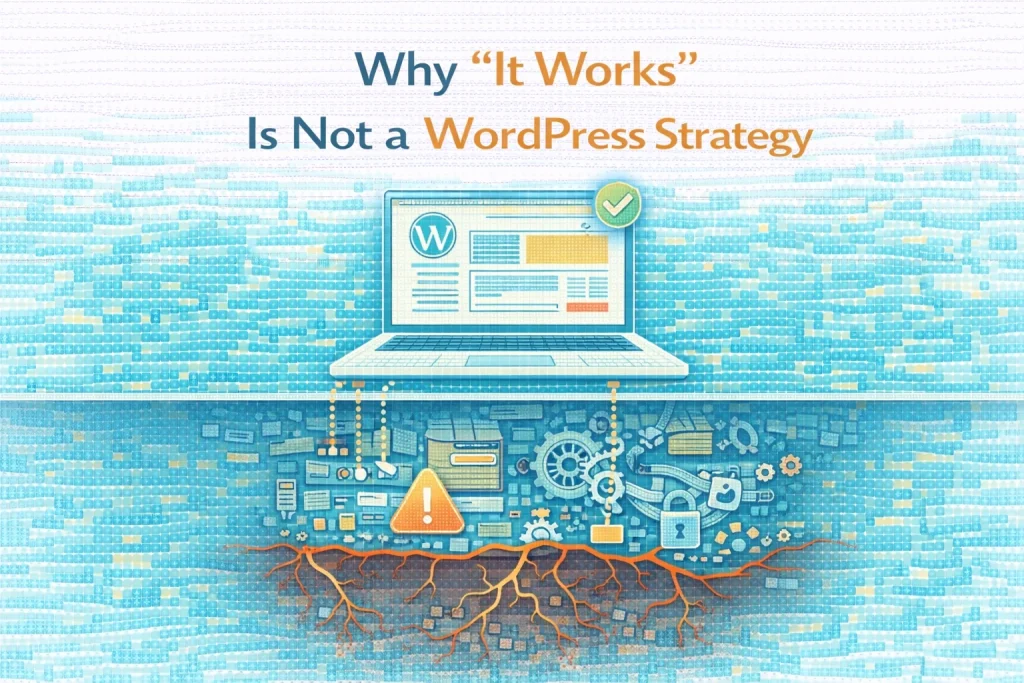
“It works” is the most common justification in WordPress development. The site loads. Pages render. Clients can publish content. From the outside, everything appears fine. As a result, development decisions are rarely questioned as long as nothing is visibly broken. At Wisegigs.eu, many WordPress failures begin exactly this way. Systems that “work” today quietly accumulate […]
How SRE Reduces Incident Frequency
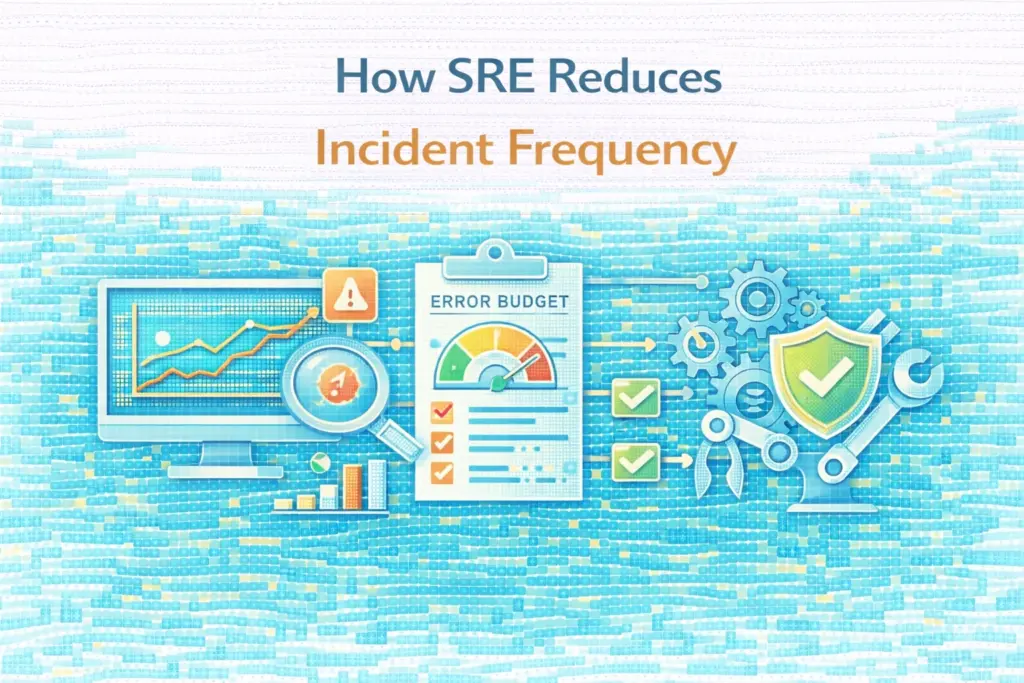
Most teams try to reduce incidents by reacting faster. They add alerts, expand on-call rotations, and improve runbooks. While these steps help with recovery, they rarely reduce how often incidents occur in the first place. At Wisegigs.eu, the biggest reliability gains do not come from better reaction. They come from Site Reliability Engineering (SRE) practices […]