
WordPress powers a significant portion of the web.
Its architecture supports a wide range of applications, from small blogs to complex e-commerce platforms. Because of this flexibility, WordPress is frequently blamed when websites experience performance issues.
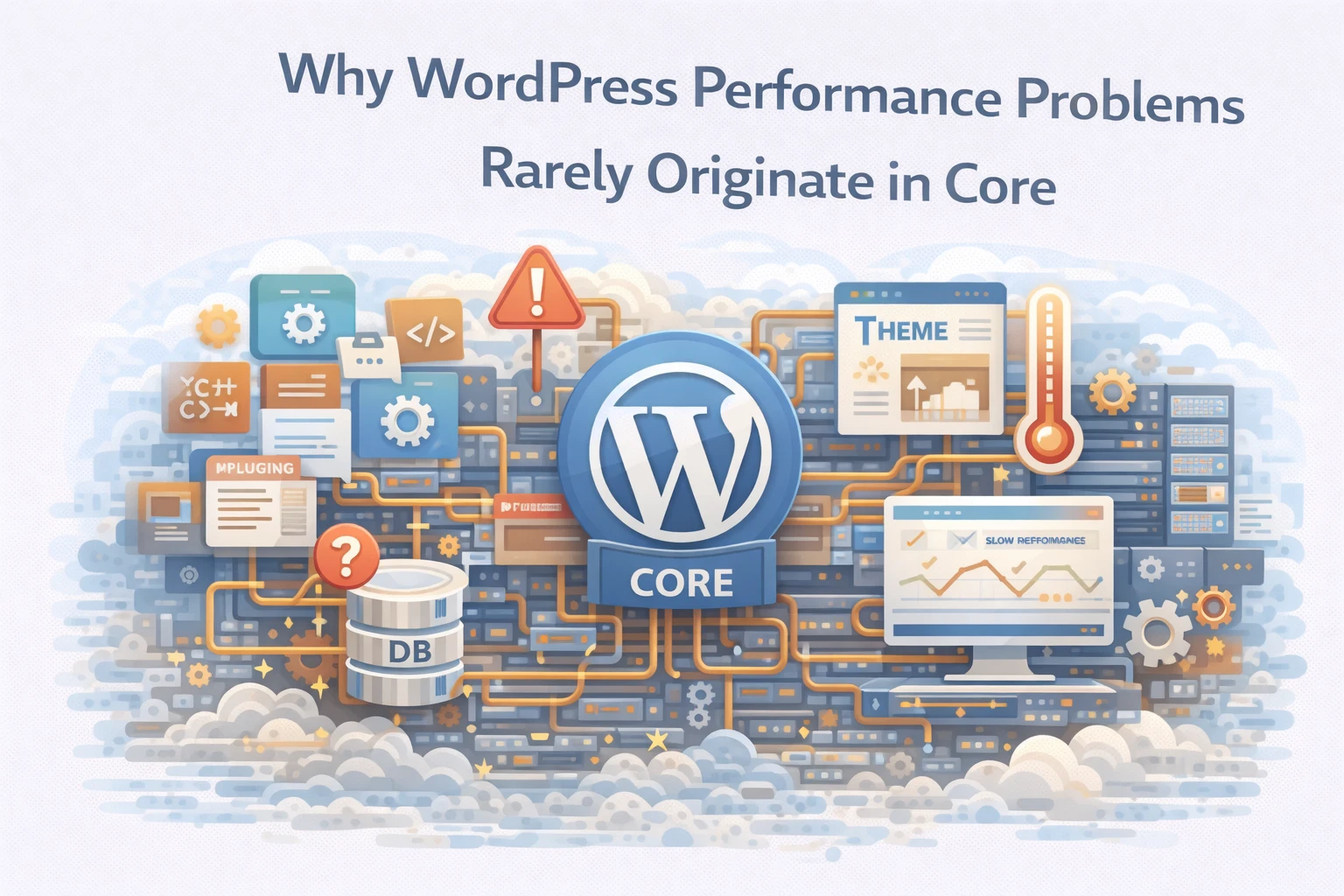
However, WordPress core is rarely the primary cause of slow sites.
At Wisegigs.eu, performance audits consistently show that most WordPress bottlenecks originate from plugin architecture, theme design, infrastructure configuration, or database growth. The core system itself typically contributes only a small portion of overall execution time.
Understanding this distinction is important.
Optimizing WordPress performance requires diagnosing the entire system rather than focusing on the core platform alone.
WordPress Core Is Designed for Broad Compatibility
WordPress core prioritizes compatibility and stability.
The platform must support thousands of plugins, themes, hosting environments, and database configurations. Consequently, core development focuses on predictable behavior rather than aggressive optimization for specific use cases.
This design strategy creates several benefits:
stable API interfaces
consistent upgrade compatibility
broad hosting support
predictable database behavior
Because of these priorities, the core system remains relatively lightweight.
WordPress engineering documentation outlines the principles guiding core development:
https://developer.wordpress.org/
When performance problems occur, other system components usually play a larger role.
Plugin Ecosystems Introduce Most Performance Complexity
Plugins extend WordPress functionality.
They add features such as SEO tools, e-commerce systems, analytics tracking, and marketing automation. While these extensions provide flexibility, they also introduce additional database queries, scripts, and processing logic.
As plugin count increases, complexity grows rapidly.
Common plugin-related performance issues include:
excessive database queries
inefficient API calls
redundant functionality across plugins
poorly optimized background tasks
In many performance audits, plugin execution time dominates page generation.
Consequently, plugin architecture often determines site speed more than WordPress core itself.
Themes Often Add Heavy Frontend Overhead
Themes control presentation and layout.
Modern WordPress themes frequently include page builders, animation libraries, and complex JavaScript frameworks. These features enhance design flexibility but may introduce significant frontend overhead.
Typical issues include:
large CSS frameworks
multiple JavaScript libraries
unoptimized image assets
excessive DOM complexity
These factors slow page rendering in browsers even when backend performance remains acceptable.
Google’s performance guidance highlights the importance of minimizing frontend payload size:
Therefore, theme optimization becomes a critical factor in user experience.
Database Growth Gradually Impacts Performance
WordPress stores most content and metadata in a MySQL database.
Over time, tables such as wp_posts, wp_postmeta, and wp_options can grow substantially. As data volume increases, poorly indexed queries begin to slow down.
Metadata-heavy plugins often accelerate this growth.
For example:
custom fields generate large
postmetatablese-commerce platforms store order metadata
analytics plugins log event data
Without database maintenance and indexing, query performance declines gradually.
MySQL documentation explains how indexing improves query performance:
Database architecture therefore plays a major role in WordPress scalability.
Hosting Infrastructure Determines Runtime Behavior
Server infrastructure significantly influences WordPress performance.
Even well-optimized WordPress installations struggle when hosted on poorly configured environments. CPU scheduling, memory allocation, and storage latency all affect request processing speed.
Infrastructure-related constraints often include:
insufficient PHP worker processes
slow disk I/O performance
overloaded shared hosting environments
poorly tuned web server configurations
In many cases, infrastructure improvements produce greater performance gains than application-level changes.
Caching Strategy Has Greater Impact Than Core Code
Caching dramatically improves WordPress performance.
Instead of executing full application logic for every request, caching layers store pre-generated responses. This approach reduces database queries and PHP execution overhead.
Common caching strategies include:
full-page caching
object caching with Redis or Memcached
CDN edge caching
static asset caching
When caching is implemented correctly, WordPress core execution becomes minimal for most requests.
Cloudflare’s performance documentation explains the role of caching in modern web infrastructure:
https://www.cloudflare.com/learning/performance/
Consequently, caching configuration often determines site speed.
External Integrations Introduce Latency
Modern WordPress sites frequently connect to external services.
These integrations may include:
payment gateways
marketing automation platforms
analytics systems
API-based content services
Each integration introduces network latency.
If external APIs respond slowly, page generation may stall while waiting for responses. These delays are often misattributed to WordPress itself.
In reality, the bottleneck exists outside the platform.
Observability Helps Identify Real Bottlenecks
Diagnosing performance problems requires visibility.
Without proper monitoring tools, developers may incorrectly assume WordPress core causes slow performance. Observability tools provide detailed insights into request execution and system behavior.
Effective diagnostic tools include:
Query Monitor for database queries
application performance monitoring (APM) tools
server resource monitoring
slow query logs
These tools reveal where execution time actually occurs.
At Wisegigs.eu, performance analysis typically identifies plugin execution, database queries, or infrastructure constraints as primary bottlenecks.
What Reliable WordPress Performance Optimization Requires
Effective optimization focuses on the entire system.
Successful WordPress performance strategies usually include:
auditing plugin usage regularly
optimizing database queries and indexes
selecting lightweight themes
implementing structured caching layers
improving hosting infrastructure
monitoring application performance continuously
These practices ensure WordPress environments remain stable as traffic grows.
Conclusion
WordPress core is rarely the source of performance problems.
Instead, bottlenecks typically emerge from the surrounding ecosystem.
To recap:
WordPress core prioritizes compatibility and stability
plugin ecosystems introduce most execution overhead
themes often increase frontend payload size
database growth affects query performance
infrastructure configuration influences runtime behavior
caching strategies dramatically improve response speed
external integrations introduce latency
At Wisegigs.eu, reliable WordPress performance optimization begins with system-wide analysis rather than assumptions about the core platform.
If your WordPress site runs slowly, the real constraint likely exists within plugins, infrastructure, or database architecture rather than WordPress itself.
Need help diagnosing WordPress performance issues? Contact Wisegigs.eu