
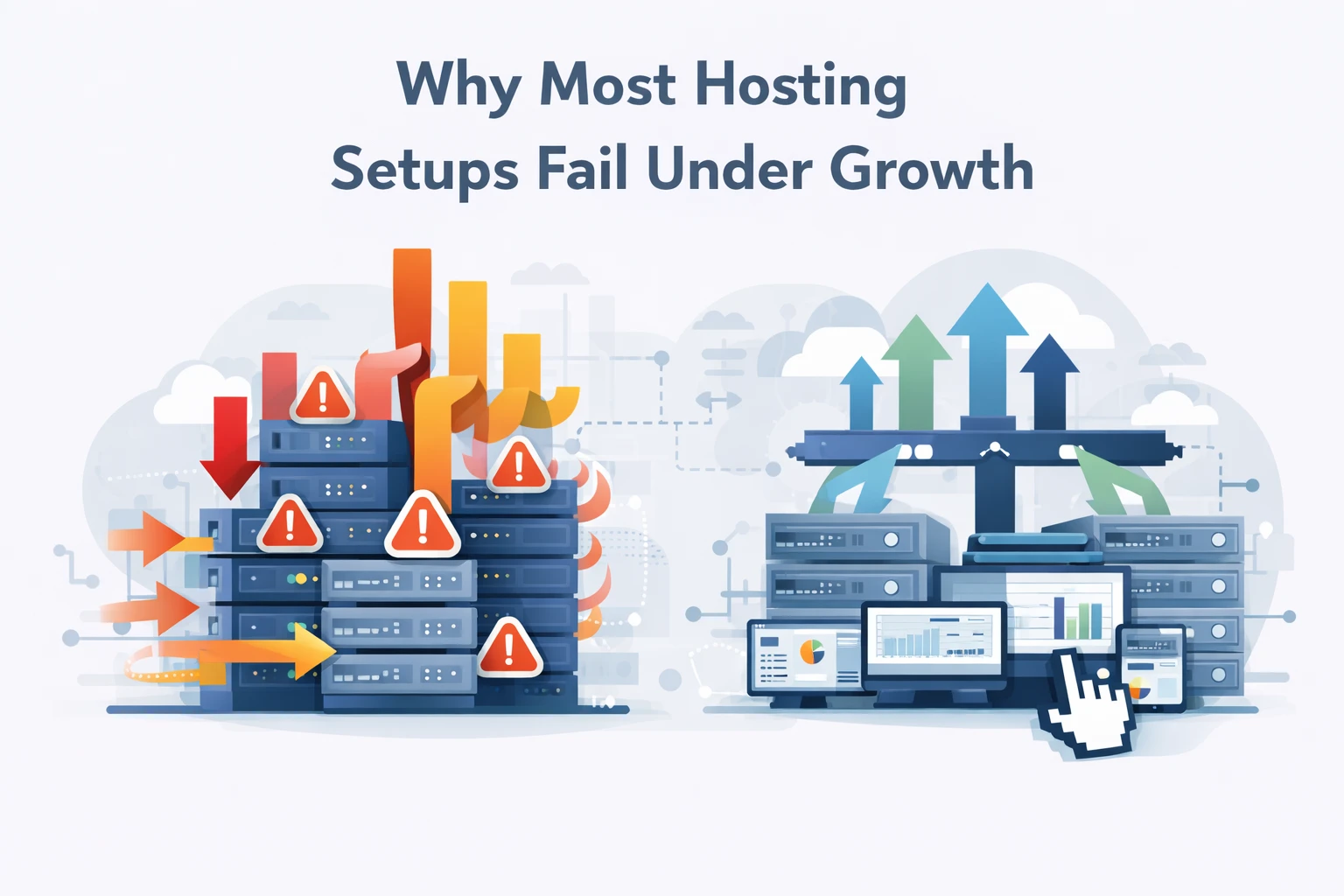
Hosting performance fails under growth when infrastructure is not designed to scale. Many teams assume slowdowns happen because of traffic spikes or bad code. In reality, most performance issues appear long before traffic becomes a real problem.
Hosting performance scaling depends on architecture, not server size. When growth begins, weaknesses in configuration, resource allocation, and request handling surface quickly.
At Wisegigs.eu, we regularly analyze sites that slow down despite low or moderate traffic. In almost every case, the root cause is not traffic volume. It is poor hosting design.
This article explains why hosting setups fail under growth, how performance bottlenecks form, and what proper scaling actually requires.
Hosting Performance Breaks Before Traffic Peaks
Many teams assume performance issues appear only when traffic spikes.
That assumption is wrong.
In reality, performance degradation usually starts when:
Requests increase slightly
Concurrent users rise
Background processes grow
Cache misses increase
Database load becomes inconsistent
These problems appear long before servers hit resource limits.
According to Google’s Site Reliability Engineering principles, performance degradation often results from system design flaws, not traffic volume:
https://sre.google/sre-book/monitoring-distributed-systems/
When architecture cannot absorb small increases, scaling later becomes expensive and unstable.
Why Bigger Servers Do Not Solve Performance Problems
A common reaction to slow performance is upgrading server size.
This rarely solves the root issue.
Bigger servers:
Hide inefficient processes
Delay architectural fixes
Increase costs without improving stability
Fail under sustained load
Vertical scaling works only up to a point. After that, bottlenecks shift to:
Disk I/O
Database connections
PHP workers
Network latency
Performance problems return, often worse than before.
The Real Causes of Hosting Failure Under Growth
1. Single-Point Architecture
Many hosting setups rely on a single server handling:
Web requests
Database queries
Caching
Background jobs
When load increases, everything competes for the same resources.
This design does not scale.
2. Poor Caching Strategy
Caching is often misunderstood or misconfigured.
Common problems include:
No full-page caching
Cache bypassed by dynamic content
Cache invalidation misfires
No object caching layer
Without proper caching, servers repeat the same work on every request.
Cloudflare explains how caching reduces origin load and improves performance:
https://www.cloudflare.com/learning/cdn/what-is-caching/
3. Database Bottlenecks
Databases become bottlenecks before servers do.
Typical causes:
Unindexed queries
Excessive autoloaded data
Heavy write operations
Long-running queries
When databases slow down, the entire site feels slow, even if CPU usage is low.
4. No Resource Isolation
Shared environments often mix:
Web processes
Cron jobs
Background tasks
API requests
Without isolation, one process can degrade everything else.
This leads to unpredictable performance under load.
Why Performance Issues Are Hard to Detect Early
Performance failures rarely happen all at once.
Instead, they appear as:
Slightly slower page loads
Occasional timeouts
Random spikes in response time
Inconsistent behavior across pages
Because the site still works, issues are ignored.
Over time, these small issues compound into major failures.
Google notes that performance problems often go unnoticed until user experience degrades significantly:
https://web.dev/performance/
Scaling Requires Architecture, Not Guesswork
Proper scaling requires intentional design.
Effective hosting setups include:
Load-balanced web layers
Separate database resources
Persistent object caching
CDN-based asset delivery
Controlled background processing
Scaling works when each component has a clear role.
At Wisegigs.eu, we focus on architecture first, then optimization. This approach prevents performance issues before they appear.
Why Performance and Stability Are Linked
Performance problems are often stability problems in disguise.
When systems operate near their limits:
Errors increase
Timeouts become common
Resource contention rises
Recovery becomes slower
Stable systems scale better because they have margin.
This is why performance tuning without architectural review rarely works long-term.
What Proper Hosting Scaling Looks Like
A scalable hosting setup includes:
Predictable resource allocation
Isolated workloads
Intelligent caching layers
Monitoring at infrastructure level
Clear performance baselines
When these elements exist, growth becomes manageable instead of risky.
What to Focus on Instead of Server Size
Instead of chasing bigger servers, focus on:
Request efficiency
Cache effectiveness
Database optimization
Load distribution
Observability
Scaling becomes easier when the system is designed to handle change.
Final Thoughts
Most hosting setups fail under growth because they were never designed to scale.
To summarize:
Performance issues appear before traffic spikes
Bigger servers do not fix bad architecture
Databases and caching cause most slowdowns
Monitoring reveals problems early
Scaling requires structure, not power
Hosting performance is a systems problem, not a hardware problem.
If your site slows down as traffic grows, the issue is not traffic.
It is the way your hosting environment was built. Contact wisegigs.eu