
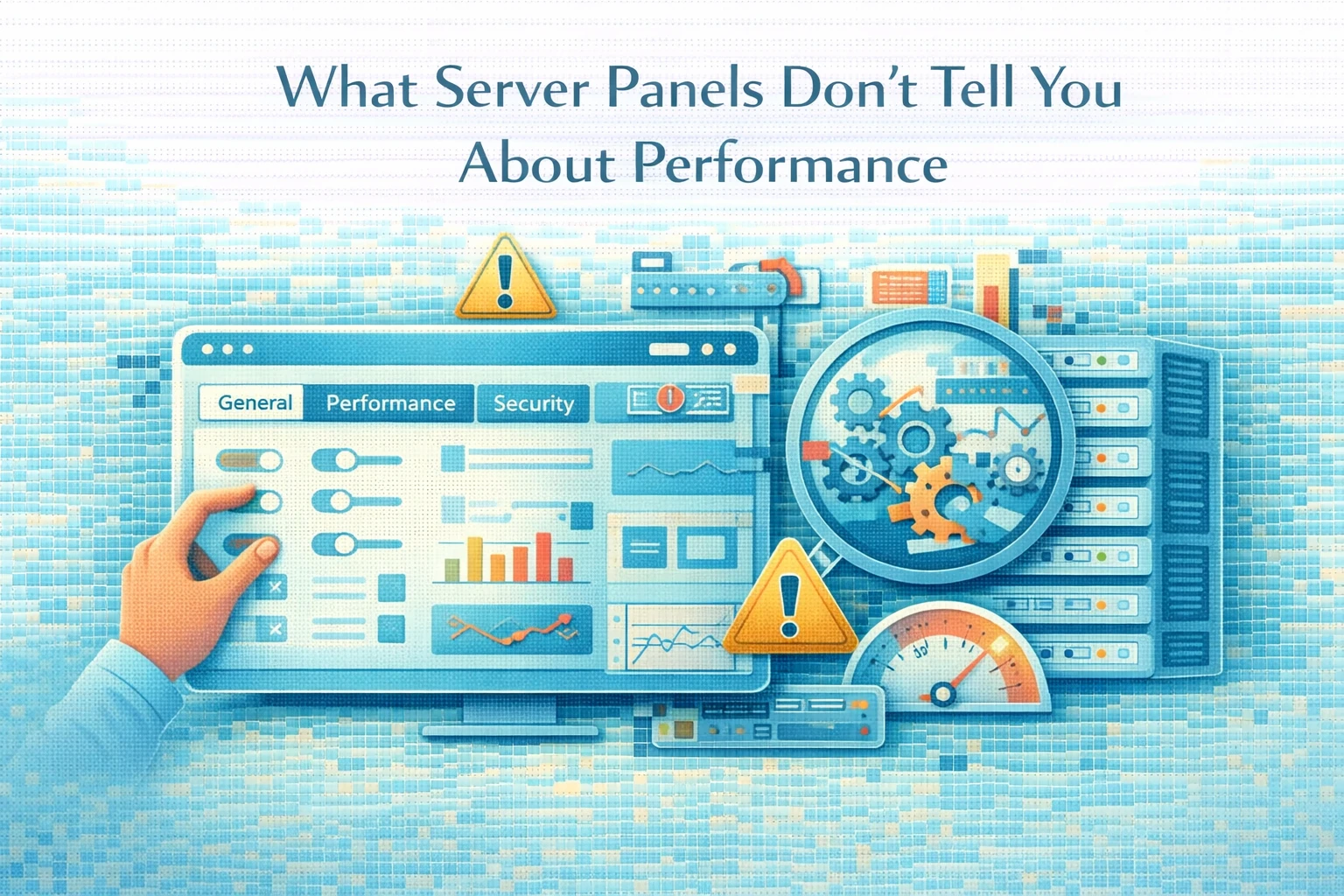
Server panels promise simplicity.
They offer one-click installs, clean dashboards, and automated configuration. For many teams, this convenience feels like progress. However, server panels also hide important details that directly affect performance.
At Wisegigs.eu, we often see performance problems blamed on hosting providers when the real cause is how server panels abstract configuration and resource behavior.
This article explains what server panels hide, why defaults often cause performance issues, and how to approach server setup with a performance-first mindset.
1. Server Panels Optimize for Ease, Not Performance
Server panels exist to reduce complexity.
They simplify:
Software installation
User management
Service configuration
Security settings
However, performance is rarely the priority.
Default configurations are designed to work for the widest range of users, not to perform optimally for specific workloads. As a result, they favor safety and compatibility over efficiency.
Because of this, sites that rely solely on default panel settings often run below their true performance potential.
2. Resource Allocation Is Often Hidden
Server panels abstract CPU, memory, and process limits.
While this makes management easier, it also hides how resources are actually used.
Common issues include:
PHP workers capped too low
Memory limits shared across services
CPU contention under load
Disk I/O bottlenecks
Because these limits are hidden behind interfaces, performance problems appear without obvious causes.
At Wisegigs.eu, many slow sites improve immediately after adjusting resource allocation that panels leave untouched.
3. Default Stack Configurations Are Generic
Most server panels deploy generic stacks.
These stacks are designed to:
Support many PHP versions
Work across different workloads
Avoid breaking user setups
However, they are not optimized for:
High-traffic WordPress sites
Heavy database usage
Large WooCommerce stores
API-driven workloads
As a result, performance suffers even when server resources appear sufficient.
DigitalOcean’s server optimization guides repeatedly emphasize tuning stacks based on workload, not defaults:
https://www.digitalocean.com/community
4. Caching Is Often Misunderstood
Server panels often include caching toggles.
However, enabling caching does not guarantee performance.
Problems arise when:
Cache layers overlap
Cache invalidation is misconfigured
Logged-in traffic bypasses caching
Object caching is missing
Because panels hide how caching works internally, teams assume it is “on” and move on.
In reality, caching requires deliberate configuration and validation.
5. Background Processes Compete for Resources
Server panels frequently run background services that consume resources quietly.
These include:
Backup agents
Monitoring tools
Malware scanners
Scheduled tasks
While useful, these services reduce available CPU and memory.
Under load, they compete with application processes, causing slowdowns that appear random.
Since panels rarely expose this clearly, teams struggle to identify the cause.
6. Security Defaults Often Impact Performance
Security features are essential, but they come with trade-offs.
Default panel settings may include:
Aggressive firewall rules
Real-time file scanning
Request rate limits
Intrusion detection systems
When configured conservatively, these features can slow request handling and increase latency.
Security should be tuned to workload, not applied blindly.
7. Monitoring Is Often Superficial
Most panels display:
CPU usage
Memory consumption
Disk space
However, these metrics rarely explain why performance drops.
Missing visibility often includes:
Slow database queries
PHP process saturation
Cache hit ratios
Queue backlogs
Without deeper monitoring, teams react to symptoms rather than causes.
Google’s SRE guidance emphasizes that meaningful metrics must reflect user experience, not infrastructure alone:
https://sre.google/sre-book/monitoring-distributed-systems/
8. Performance Requires Intentional Configuration
High-performing servers share common traits:
Tuned PHP and database settings
Controlled process limits
Purposeful caching strategy
Minimal background overhead
Clear monitoring signals
These results come from intentional configuration, not default setups.
Server panels can assist, but they cannot replace understanding.
What Teams Should Do Instead
Rather than relying solely on panel defaults, teams should:
Review resource allocation manually
Tune PHP and database settings
Validate caching behavior
Monitor real performance metrics
Remove unnecessary background services
Conclusion
Server panels simplify management, but they also hide complexity.
To summarize:
Defaults favor compatibility over performance
Resource limits are often hidden
Generic stacks underperform
Caching requires validation
Background services affect speed
Monitoring is usually insufficient
At Wisegigs.eu, we treat server panels as tools, not solutions.
True performance comes from understanding how systems behave under load and configuring them accordingly.
If your site feels slow despite “good hosting,” the problem may not be your provider.
It may be what the server panel is not telling you. Contact Wisegigs.eu