
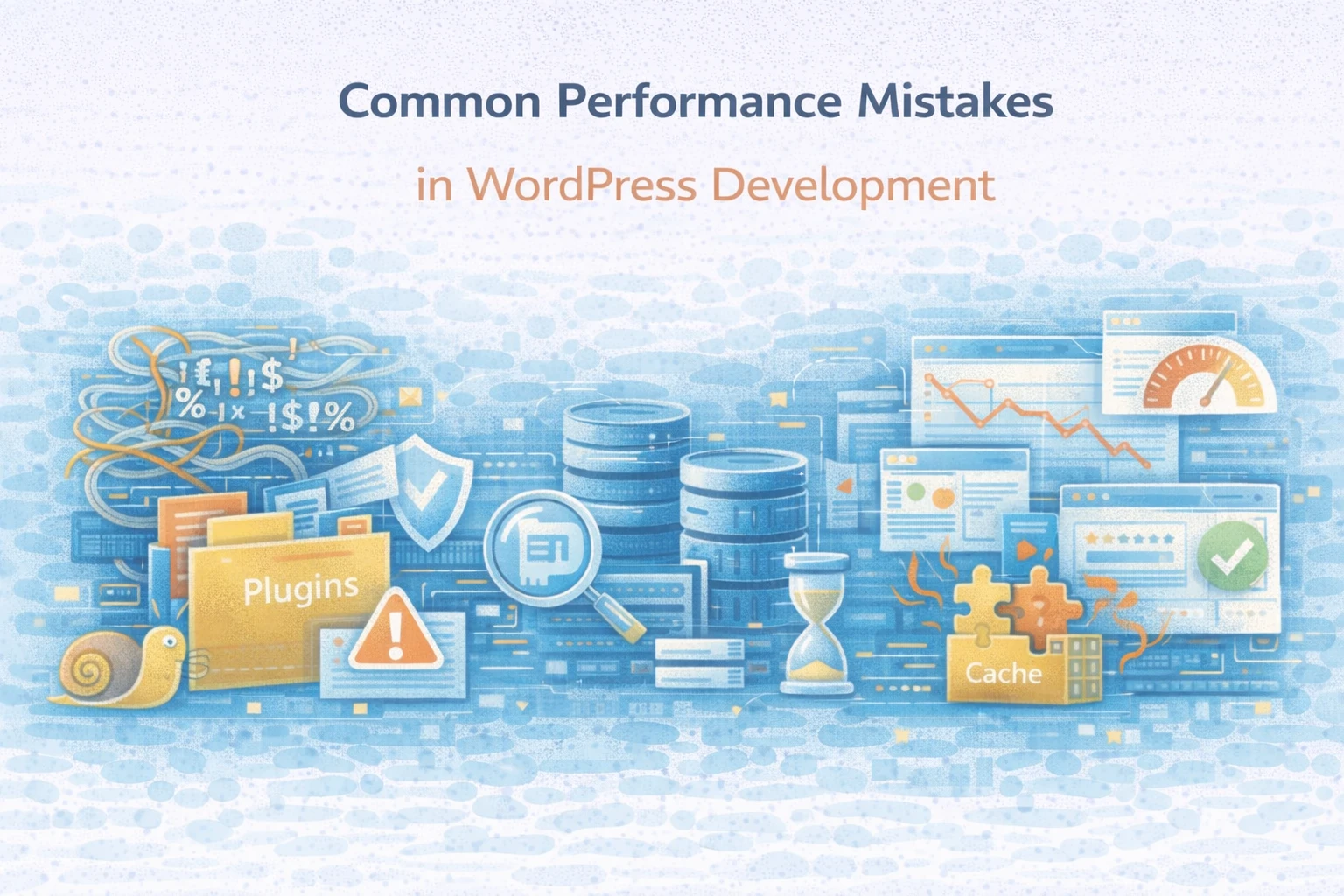
WordPress performance problems rarely come from one catastrophic mistake.
Instead, they emerge from a series of small development decisions that seem reasonable in isolation but compound over time. Pages get heavier. Requests get slower. Caching becomes less effective. Eventually, performance work turns into constant firefighting.
At Wisegigs.eu, performance issues are almost never caused by a lack of caching plugins or server resources. They are caused by development practices that ignore how WordPress actually executes code under real traffic.
This article breaks down the most common performance mistakes in WordPress development, why they hurt at scale, and what to focus on instead.
1. Treating Caching as a Silver Bullet
One of the most persistent mistakes is assuming caching fixes performance.
Caching helps, but it only masks inefficiencies.
Problems arise when developers:
Rely on caching instead of fixing slow code paths
Assume cache hit rates will always stay high
Ignore logged-in, dynamic, or personalized traffic
As traffic patterns change, cache effectiveness drops. When that happens, underlying inefficiencies immediately surface.
Cloudflare’s performance guidance makes it clear that caching improves performance only when application behavior is cache-friendly:
https://www.cloudflare.com/learning/cdn/what-is-caching/
Caching amplifies good architecture. It does not replace it.
2. Writing Inefficient Code Inside Hooks That Run Everywhere
WordPress hooks are powerful.
They are also dangerous when misused.
A common mistake is attaching heavy logic to hooks that execute on every request, such as:
initwp_loadedthe_content
This leads to:
Repeated database queries
Unnecessary computation
Slower Time to First Byte
Because the site still “works,” the cost goes unnoticed until traffic increases.
The WordPress developer documentation stresses that hooks should be used sparingly and contextually:
https://developer.wordpress.org/plugins/hooks/
Performance suffers when global hooks carry request-specific logic.
3. Ignoring Database Query Efficiency
WordPress performance is tightly coupled to database behavior.
Yet many development decisions overlook query efficiency entirely.
Common mistakes include:
Running unindexed queries
Querying inside loops
Re-fetching the same data repeatedly
Storing structured data inefficiently
At low traffic, these issues hide.
At higher concurrency, they dominate response time.
MySQL documentation consistently highlights that poor indexing and repeated queries are leading causes of application slowdowns:
https://dev.mysql.com/doc/
Caching query results helps, but eliminating unnecessary queries matters more.
4. Letting Plugins Accumulate Without Review
Plugins make WordPress flexible.
They also introduce performance risk.
Each plugin may add:
Hooks
Scripts and styles
Database queries
External requests
Over time, plugin sprawl increases execution cost per request.
The mistake is not using plugins.
The mistake is never reviewing whether they still earn their place.
At Wisegigs.eu, many performance audits reveal plugins that contribute no visible value while adding measurable latency.
5. Loading Assets Globally Instead of Conditionally
Another common performance mistake is loading assets everywhere.
Typical examples include:
Scripts enqueued on every page
Styles loaded site-wide for single features
Third-party libraries included unconditionally
This increases:
Page weight
Parse and execution time
Mobile performance degradation
Google’s web performance research shows that unnecessary JavaScript directly impacts user experience and conversion rates:
https://web.dev/fast/
Conditional loading is one of the highest-impact performance improvements in WordPress development.
6. Overusing External API Calls During Page Loads
Modern WordPress sites often depend on third-party APIs.
However, calling external services synchronously during page rendering is risky.
This introduces:
Latency dependency on third parties
Increased failure surface
Inconsistent response times
Performance engineering best practices recommend isolating external calls from user-facing request paths whenever possible:
https://martinfowler.com/articles/patterns-of-distributed-systems/
When APIs slow down, your site slows down with them.
7. Ignoring Logged-In and Dynamic User Performance
Many performance optimizations focus exclusively on anonymous visitors.
However, WordPress behaves very differently for:
Logged-in users
Editors and admins
WooCommerce customers
Common mistakes include:
Assuming cached performance applies to all users
Ignoring admin-side latency
Overloading PHP workers with authenticated traffic
As traffic grows, logged-in performance often degrades first.
This creates operational pain long before public-facing metrics turn red.
8. Measuring Performance With Synthetic Scores Only
PageSpeed scores are useful.
They are not the whole picture.
Teams make mistakes when they:
Optimize for lab scores instead of real users
Ignore server-side latency
Miss backend execution time
Real-world performance depends on execution paths, concurrency, and workload mix.
Performance engineering requires production signals, not just scores.
9. Treating Performance as a One-Time Task
Performance work is often treated as a project.
A sprint. A cleanup phase. A launch checklist.
Then development continues as before.
Without ongoing discipline:
Performance regressions accumulate
New features reintroduce inefficiencies
Previous gains erode
This mirrors broader software performance research, which shows that performance debt behaves like technical debt if left unmanaged:
https://queue.acm.org/
Performance must be maintained, not “completed.”
10. Scaling Infrastructure Before Fixing Bottlenecks
When performance drops, teams often scale servers first.
More CPU. More RAM. Bigger plans.
This works temporarily.
However, unresolved inefficiencies quickly consume the added capacity.
At Wisegigs.eu, we often see performance regress after scaling because inefficient code scales just as well as efficient code — only more expensively.
Infrastructure should support good architecture, not compensate for poor execution.
11. Optimizing Symptoms Instead of Root Causes
The final and most damaging mistake is treating symptoms.
Teams clear cache. Restart services. Install another plugin.
Performance improves briefly.
Then it degrades again.
Without understanding why performance suffers, optimization becomes cyclical.
True performance work focuses on:
Execution paths
Query behavior
Concurrency limits
Dependency latency
Symptoms change. Causes persist.
How to Avoid These Performance Mistakes
Effective WordPress performance work follows clear principles:
Fix code paths before relying on cache
Use hooks intentionally
Optimize database access
Review plugins regularly
Load assets conditionally
Isolate external dependencies
Measure real-user performance
Treat performance as ongoing work
Performance improves when development decisions consider execution cost.
Conclusion
WordPress performance rarely fails because teams do nothing.
It fails because they do small things repeatedly without understanding long-term impact.
To recap:
Caching is not a cure-all
Hooks can hide expensive logic
Database inefficiencies scale poorly
Plugin sprawl adds hidden cost
Global asset loading hurts performance
External APIs add latency risk
Logged-in users reveal issues first
Scores do not equal speed
Performance regresses without discipline
Scaling hides inefficiency
Symptoms distract from causes
At Wisegigs.eu, sustainable WordPress performance comes from development discipline, not constant tuning.
If your WordPress site keeps getting slower despite repeated optimizations, the problem is not traffic.
It is how performance is handled in development.
Need help identifying where performance debt is accumulating in your WordPress codebase? Contact Wisegigs.eu.