
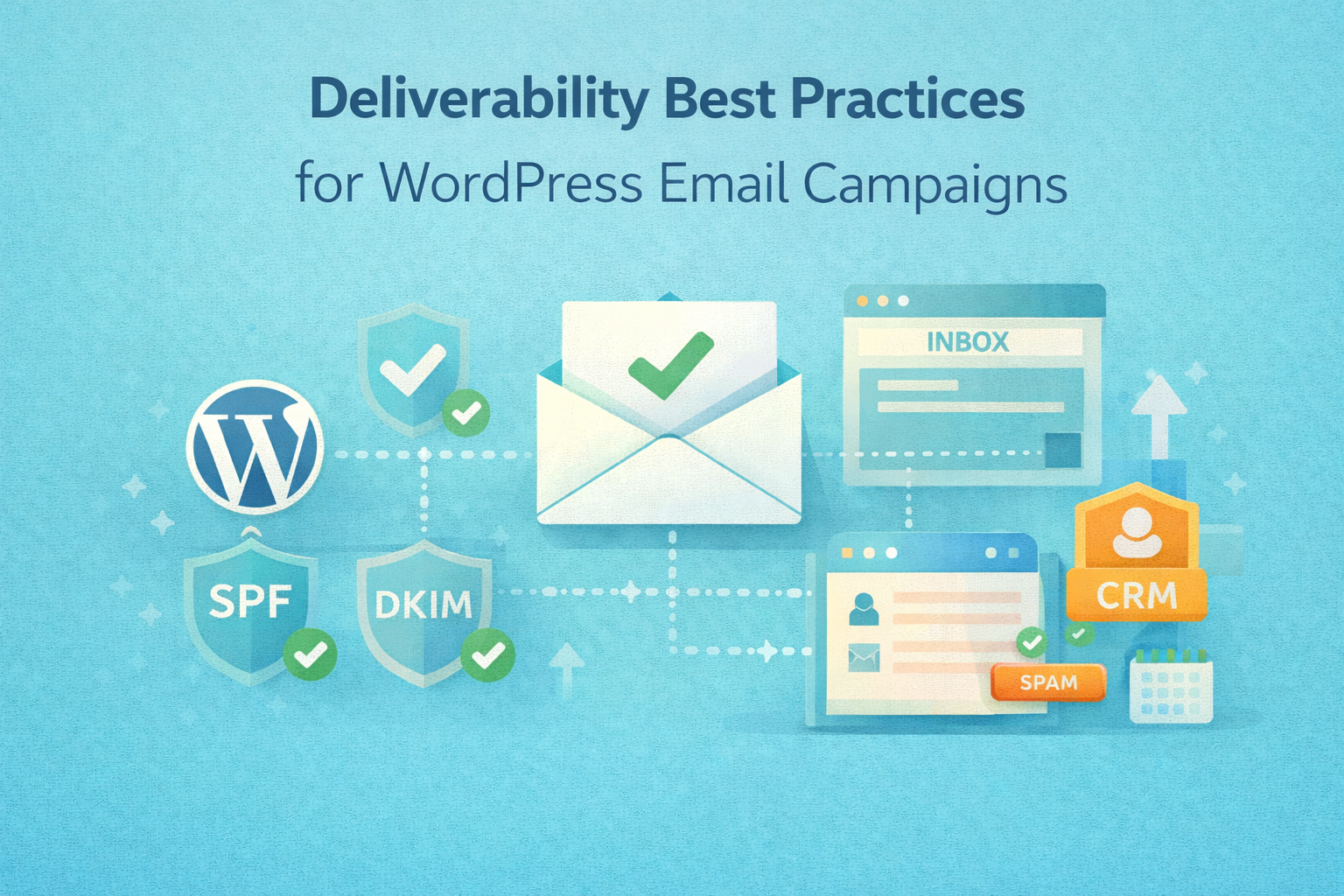
Most WordPress email problems aren’t caused by bad copy or weak subject lines — they’re caused by deliverability failures. Emails that never reach the inbox can’t convert, no matter how well the campaign is designed.
Deliverability is a systems problem, not a marketing tweak.
At Wisegigs.eu, email performance audits regularly show that fixing deliverability fundamentals unlocks more ROI than changing email content. This guide outlines the best practices WordPress teams should follow to ensure emails reliably reach inboxes instead of spam folders.
1. Separate Transactional and Marketing Emails
Blending email types damages sender reputation.
Transactional emails include:
Password resets
Order confirmations
Account notifications
System alerts
Marketing emails include:
Newsletters
Promotions
Drip campaigns
Re-engagement emails
Best practice:
Use separate sending streams or providers
Never send marketing emails from the same channel as password resets
Email providers evaluate sender behavior holistically — mixing email intent creates trust issues.
2. Never Rely on Default WordPress Mail
This is the most common deliverability mistake.
Why default WordPress mail fails:
No authentication (SPF, DKIM, DMARC)
Shared server IPs
No reputation management
High spam classification risk
WordPress core documentation clearly states that wp_mail() alone does not guarantee delivery:
https://developer.wordpress.org/apis/wp_mail/
At Wisegigs.eu, production WordPress sites never send email without a dedicated mail service.
3. Authenticate Your Sending Domain Properly
Authentication is non-negotiable.
Required email authentication:
SPF – authorizes sending servers
DKIM – signs emails cryptographically
DMARC – enforces policy and reporting
Without these, inbox placement will degrade over time — even if emails initially deliver.
Google’s sender guidelines emphasize authentication as a baseline requirement:
https://support.google.com/mail/answer/81126
4. Align “From” Identity With Domain Trust
Inconsistent identity raises spam flags.
Common mistakes:
“From” email uses a different domain than the site
Generic sender names
Frequent sender address changes
Best practice:
Use a consistent, branded sender
Match sending domain to your website domain
Avoid free email addresses for campaigns
Trust is cumulative and fragile.
5. Warm Up New Sending Domains Gradually
Sending volume spikes look suspicious.
Warm-up principles:
Start with low-volume sends
Prioritize engaged recipients
Increase volume slowly
Monitor bounce and spam complaint rates
Sudden high-volume campaigns from new domains often trigger spam filtering automatically.
At Wisegigs.eu, domain warm-up is treated as a launch phase, not an afterthought.
6. Maintain List Hygiene Relentlessly
Bad lists destroy deliverability.
Avoid:
Purchased lists
Scraped emails
Old, inactive subscribers
Repeated sends to unengaged users
Do instead:
Use confirmed opt-in
Remove hard bounces immediately
Suppress long-term inactive users
Segment by engagement level
7. Respect Engagement Signals
Inbox providers measure how users react.
Negative signals:
Emails ignored repeatedly
Spam complaints
Deletes without opens
Positive signals:
Opens
Replies
Clicks
Moves to inbox
Sending more emails does not fix low engagement — it makes it worse.
8. Optimize Sending Frequency and Timing
More email is not better email.
Common mistakes:
Over-sending during promotions
Inconsistent schedules
Sudden frequency increases
Best practice:
Predictable cadence
Clear expectations at signup
Frequency aligned with user intent
At Wisegigs.eu, email cadence is defined before automation is built — not after performance drops.
9. Monitor Deliverability Metrics (Not Just Opens)
Opens alone are misleading.
Track:
Delivery rate
Bounce rate
Spam complaint rate
Inbox vs spam placement
Engagement over time
Modern privacy changes make open rates less reliable — delivery health matters more.
10. Design Email Content for Trust, Not Tricks
Deliverability is affected by content patterns.
Avoid:
Excessive images
All-caps subject lines
Misleading CTAs
Spam-trigger language
Focus on:
Clear value
Honest subject lines
Balanced text-to-image ratio
Plain, readable formatting
Spam filters evolve constantly, but trust-based patterns remain stable.
Common Deliverability Mistakes WordPress Sites Make
Using default PHP mail
No domain authentication
Mixed transactional and marketing sends
Poor list hygiene
Over-sending promotions
Ignoring engagement decline
No deliverability monitoring
These issues compound silently over time.
Conclusion
Email deliverability is infrastructure, identity, and discipline — not a plugin setting. When WordPress email campaigns fail, the root cause is almost always technical or operational, not creative.
To recap:
Separate email types
Authenticate sending domains
Use proper mail services
Warm up domains
Maintain clean lists
Respect engagement
Monitor real deliverability metrics
Need help fixing WordPress email deliverability issues? Contact Wisegigs.eu.