
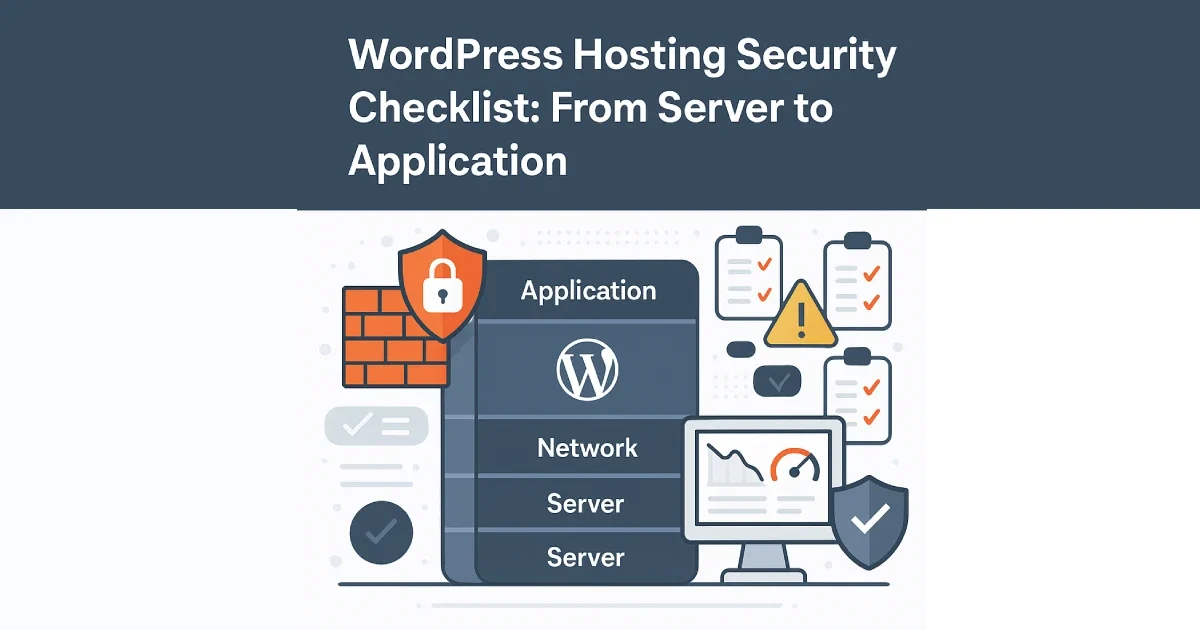
Security in WordPress hosting is not a single setting or plugin — it’s a layered system that starts at the server and extends all the way to the application and data level. Most security incidents happen not because WordPress is insecure by default, but because critical layers are misconfigured, outdated, or ignored.
At Wisegigs.eu, we approach WordPress security as an engineering discipline, not a checklist copied from a plugin dashboard. This guide provides a practical, end-to-end security checklist covering infrastructure, hosting configuration, and WordPress itself.
1. Secure the Server Foundation
Everything above the server depends on this layer.
Operating system hardening:
Use a stable LTS OS (Ubuntu LTS, AlmaLinux)
Apply automatic security updates
Remove unused packages and services
Enable time synchronization (NTP)
Set correct file permissions
Ubuntu’s security documentation stresses minimizing attack surface by disabling unused services early:
https://ubuntu.com/security
2. Lock Down SSH and Administrative Access
SSH is the most targeted entry point on WordPress servers.
Required controls:
Disable password-based SSH login
Enforce key-based authentication
Restrict root login
Change default SSH port
Limit SSH access via firewall rules
Enable brute-force protection (Fail2ban or equivalent)
At Wisegigs.eu, no server is considered production-ready without fully locked-down SSH access.
3. Configure Firewall and Network Rules
A WordPress server should expose only what is absolutely necessary.
Firewall checklist:
Allow ports 80 and 443 only
Restrict SSH access to trusted IPs
Block unused mail ports if not needed
Rate-limit connection attempts
Enable IPv6 rules only if supported
Cloudflare explains how network-level controls reduce attack load before it reaches the application:
https://developers.cloudflare.com/ddos-protection/
4. Secure the Web Server Layer
Misconfigured web servers are a common vulnerability.
Web server hardening:
Disable directory listing
Hide server version headers
Enforce HTTPS only
Enable HTTP security headers
Limit request body size
Restrict access to sensitive paths
NGINX security guidance emphasizes removing unnecessary exposure points to prevent information leakage:
https://www.nginx.com/blog/
5. Isolate and Protect the Database
The database often contains the most sensitive data.
Database security checklist:
Place database on a private network or separate server
Use strong, unique credentials
Restrict database user privileges
Disable remote root access
Monitor failed login attempts
Enable regular backups
MariaDB documentation highlights least-privilege access as a fundamental security principle:
https://mariadb.com/kb/
6. Implement File System & Permission Controls
Incorrect file permissions are a silent vulnerability.
Best practices:
WordPress files owned by a non-root user
Restrict write permissions to only required directories
Prevent execution in uploads directory
Disable PHP execution where unnecessary
Monitor file integrity
The WordPress Security Team recommends strict permission management to prevent privilege escalation:
https://wordpress.org/support/article/hardening-wordpress/
7. Secure WordPress Authentication
Application-level access is often overlooked.
Required controls:
Enforce strong passwords
Enable two-factor authentication
Limit login attempts
Protect wp-admin and wp-login.php
Use unique admin usernames
Remove inactive users
At Wisegigs.eu, admin access is limited, logged, and reviewed regularly.
8. Control Plugins, Themes, and Updates
Plugins are the most common attack vector in WordPress.
Plugin security rules:
Install only necessary plugins
Remove unused plugins and themes
Update plugins regularly
Avoid abandoned or poorly maintained plugins
Audit plugins before installation
WP Tavern frequently reports that outdated plugins are responsible for the majority of WordPress compromises:
https://wptavern.com/
9. Enable Monitoring, Logging, and Alerts
Security without visibility is incomplete.
Monitor:
Failed login attempts
File changes
Plugin/theme updates
Server resource anomalies
Unexpected outbound traffic
Tools:
Server monitoring dashboards
Log aggregation systems
Uptime monitoring
File integrity monitoring
Google’s SRE guidance emphasizes early detection to limit blast radius during incidents:
https://sre.google/sre-book/
10. Protect Against DDoS and Brute Force Attacks
Even secure servers can be overwhelmed.
Protection measures:
CDN with DDoS protection
Rate limiting at edge
CAPTCHA for login forms
WAF rules for common exploits
Cloudflare’s WAF documentation explains how application-layer rules stop attacks before they reach WordPress:
https://developers.cloudflare.com/waf/
11. Implement Backup and Recovery Procedures
Security also means recoverability.
Backup checklist:
Daily automated backups
Offsite storage
Encrypted backup archives
Regular restore testing
Clear retention policy
DigitalOcean emphasizes that untested backups are equivalent to having no backups at all:
https://www.digitalocean.com/community/tutorials/
12. Address Compliance and Privacy Requirements
Security and compliance overlap.
Compliance considerations:
GDPR data handling
Consent tracking
Data minimization
Secure data storage
Access logging
Breach response procedures
At Wisegigs.eu, security architecture is designed to support compliance requirements without performance penalties.
Conclusion
WordPress hosting security is not about a single plugin or firewall rule — it’s about defense in depth. When server hardening, network controls, application security, monitoring, and recovery planning work together, WordPress becomes a resilient and secure platform.
To recap:
Secure the OS and SSH
Lock down network access
Harden the web server
Protect the database
Control file permissions
Secure authentication
Audit plugins regularly
Monitor continuously
Prepare for recovery
Align with compliance needs
Need a security-first WordPress hosting setup or audit? Contact Wisegigs.eu.