
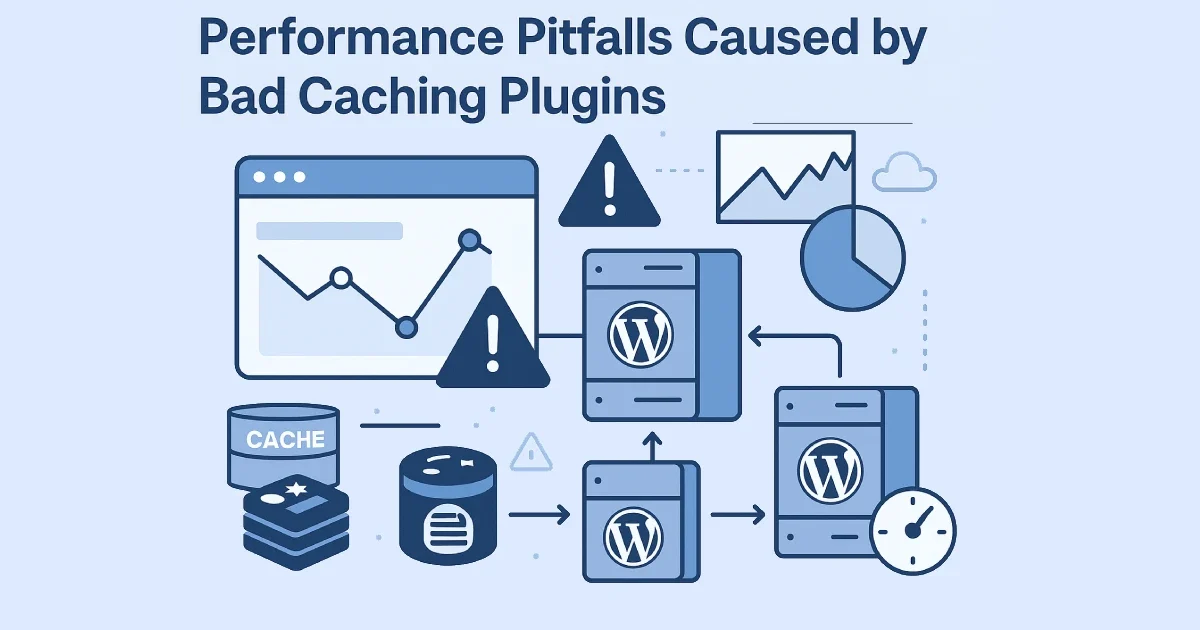
Caching is one of the most effective ways to speed up WordPress — but only when it’s implemented correctly. In practice, many performance problems we see are not caused by a lack of caching, but by bad caching plugins or poorly configured ones. These issues often create hidden bottlenecks, inconsistent behavior, broken functionality, or even worse performance than having no cache at all.
At Wisegigs.eu, we frequently audit WordPress sites where “performance optimization” actually made things slower. This guide explains the most common caching-plugin pitfalls, why they happen, and how to avoid them with an engineering-first approach.
1. Caching Everything (Including What Should Never Be Cached)
One of the most damaging mistakes is aggressive, blanket caching.
Commonly miscached content:
Logged-in user pages
WooCommerce cart and checkout
My Account dashboards
Membership-only content
Admin-ajax requests
REST API endpoints
What happens:
Broken carts
Users seeing other users’ data
Session conflicts
Random logout issues
“Ghost” content appearing
WooCommerce documentation explicitly warns against caching dynamic and session-based pages:
https://woocommerce.com/document/conditional-tags/
At Wisegigs.eu, we always start by defining what must be excluded before enabling any cache.
2. Multiple Caching Layers Fighting Each Other
Many WordPress sites run several caching layers simultaneously without coordination.
Typical conflicts:
Page cache plugin + server-level cache
Plugin cache + CDN cache
Object cache plugin + hosting object cache
Browser cache headers overridden by plugins
Symptoms:
Inconsistent page loads
Cache not clearing properly
Stale content after updates
Impossible-to-debug behavior
Cloudflare explains that layered caching must be coordinated or it leads to cache fragmentation and unpredictability:
https://developers.cloudflare.com/cache/
Caching layers should be complementary, not competing.
3. Heavy Plugins That Add More Overhead Than Benefit
Some caching plugins introduce significant overhead themselves.
Red flags:
Large admin dashboards loading on every page
Constant database writes for cache metadata
Excessive cron jobs
Inline JavaScript injection
Debug features enabled in production
Result:
Increased TTFB
Higher CPU usage
More database queries
Slower backend experience
The WordPress Developer Blog stresses that performance tools must not add runtime complexity to every request:
https://developer.wordpress.org/news/
A caching plugin should reduce work, not create more of it.
4. Poor Cache Invalidation Strategies
Caching is only useful if it invalidates correctly.
Bad invalidation causes:
Old content persisting after updates
Product price mismatches
Incorrect stock availability
SEO issues due to outdated pages
Typical mistakes:
Clearing the entire cache on every post update
Never clearing cache at all
Clearing cache too frequently
Ignoring dependencies between pages
Redis documentation highlights that poor invalidation is often more damaging than no caching:
https://redis.io/docs/
At Wisegigs.eu, we design cache invalidation rules per content type, not globally.
5. Object Cache Misuse (Especially Redis)
Object caching is powerful — and easy to misuse.
Common problems:
Caching highly volatile data
Storing large payloads in object cache
No TTL control
Redis eviction due to memory pressure
Object cache enabled without enough RAM
Consequences:
Database load increases instead of decreases
Random cache misses
Backend instability
Object caching should target repeatable, read-heavy queries, not everything.
6. Caching Plugins That Ignore Core Web Vitals
Some plugins focus only on “page speed scores” rather than real UX metrics.
Mistakes include:
Delaying critical scripts excessively
Breaking interaction readiness (INP)
Causing layout shifts (CLS)
Deferring fonts incorrectly
Google’s Web Vitals documentation emphasizes that performance must be user-centric, not score-centric:
https://web.dev/vitals/
A faster Lighthouse score does not guarantee a better user experience.
7. Plugin-Based Minification Gone Wrong
Bundled minification is another common pitfall.
Problems caused by aggressive minification:
Broken JavaScript dependencies
Render-blocking CSS injected incorrectly
Conflicts with themes and builders
Longer debugging cycles
In many cases, server-level compression and HTTP/2+ multiplexing outperform plugin-based minification entirely.
NGINX performance guidance explains how modern protocols reduce the need for aggressive bundling:
https://www.nginx.com/blog/
8. Cache Warmup That Hurts More Than It Helps
Cache warmup sounds useful — but can overwhelm servers.
Bad warmup behavior:
Crawling thousands of URLs at once
Running too frequently
Triggering during peak traffic
Ignoring server capacity
Symptoms:
CPU spikes
Database saturation
Temporary downtime
Warmup must be throttled and scheduled intelligently.
9. Blind Trust in “All-in-One” Performance Plugins
All-in-one plugins promise speed, SEO, image optimization, CDN, security, and caching — all at once.
The risk:
One plugin controlling too many layers
Hard-to-debug failures
Vendor lock-in
Conflicting optimization logic
At Wisegigs.eu, we prefer simple, transparent caching strategies aligned with the server stack — not magic plugins.
10. What a Good Caching Strategy Actually Looks Like
A healthy caching setup follows engineering principles:
Clear separation of layers:
Browser caching
Server/page caching
Object caching
CDN caching
- Explicit exclusions for dynamic content
- Coordinated cache headers across layers
- Measured impact using real metrics (TTFB, LCP, INP)
- Monitoring cache hit ratios
- Minimal plugin footprint
Caching should be predictable, observable, and reversible.
Conclusion
Caching is not a shortcut — it’s a system. Bad caching plugins often introduce more complexity than benefit, creating instability, broken functionality, and misleading performance gains. The fastest WordPress sites use intentional caching, not aggressive defaults.
To recap:
Don’t cache dynamic or session-based content
Avoid overlapping cache layers
Choose lightweight, transparent tools
Design proper cache invalidation
Use object caching selectively
Optimize for real UX metrics
Avoid plugin bloat
If your WordPress site feels slow despite “having caching,” it’s time for a proper audit. Contact Wisegigs.eu.