
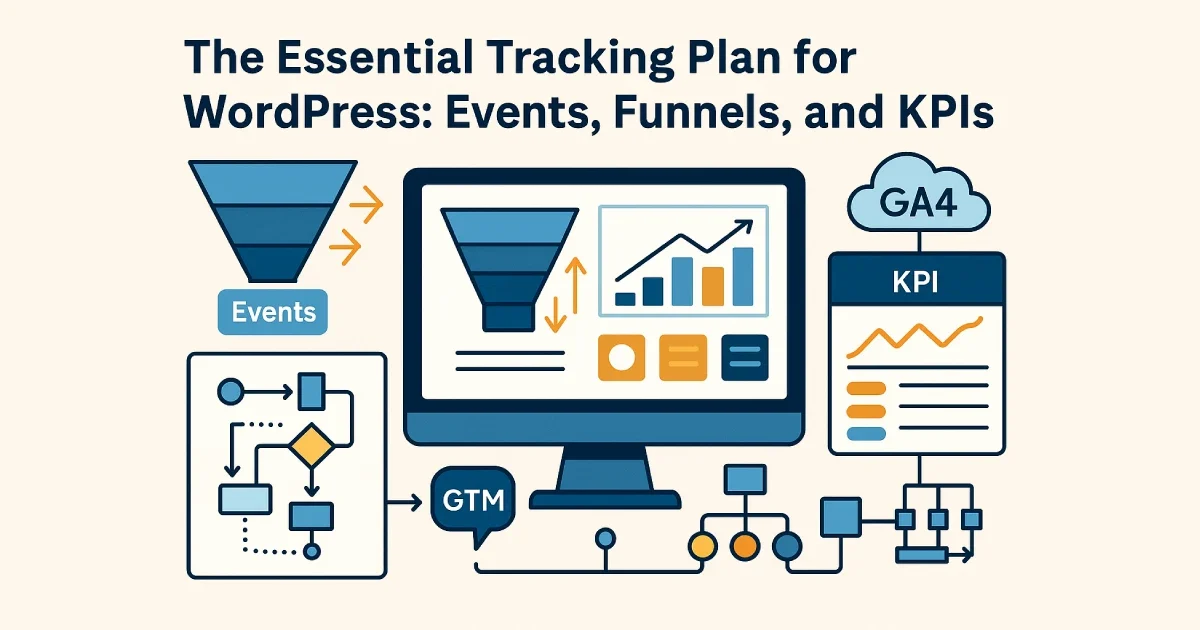
Illustration showing analytics funnels, event tracking diagrams, dashboards, and GA4/GTM icons arranged in a clean measurement architecture layout.
A tracking plan is one of the most important components of a WordPress analytics strategy. Without one, teams end up with fragmented events, inaccurate data, missing conversions, or dashboards that don’t reflect real business performance. A proper tracking plan defines what to measure, why it matters, and how the events connect into a meaningful performance framework.
At Wisegigs.eu, we create tracking plans that map directly to business outcomes — not vanity metrics. This guide explains how to build a clean, reliable measurement plan for WordPress using GA4, GTM, custom events, and structured funnel logic.
1. Start With the Business Objectives (Not the Tools)
A tracking plan should always begin with the business goal. Without aligning analytics to objectives, even the most advanced GA4 setup becomes noise.
Typical WordPress business goals:
Increase lead submissions
Improve checkout conversions
Grow newsletter signups
Boost engagement on key pages
Reduce funnel drop-off
Improve marketing ROI
Translate goals into measurable KPIs:
Form submission rate
Add-to-cart to purchase ratio
Lead quality score
Engagement depth
Content ROI
Checkout completion rate
Google’s measurement strategy guide emphasizes the importance of starting with business goals before configuring events:
https://developers.google.com/analytics
2. Define Your Core Event Categories
A tracking plan is built around clear event categories. These categories create structure and prevent duplicated or inconsistent event names.
The five essential WordPress event groups:
Engagement Events
Scroll depth
CTA clicks
Video views
Menu interactions
Conversion Events
Form submissions
Add to cart
Begin checkout
Purchases (WooCommerce)
Content Interaction Events
Blog read events
Downloads
Table of contents interactions
User Intent Signals
Pricing page viewed
Product config interactions
Service page clicks
Technical/UX Events
404 views
Slow page events
JavaScript error logs
MeasureSchool highlights the importance of event categories for creating cleaner GTM and GA4 structures:
https://measureschool.com/
3. Map Events Into Meaningful Funnels
Funnels help you understand where users drop off — and where optimization matters most.
Examples of essential WordPress funnels:
Lead Generation Funnel
Landing page → Scroll → CTA click → Form view → Submission → Thank-you page
WooCommerce Funnel
Product view → Add to cart → Checkout start → Payment → Purchase
Content Engagement Funnel
Page view → Scroll → Click internal link → Read 2nd article → Subscribe
Each funnel should map to KPIs and contain no more than 4–6 steps for clarity.
GA4’s funnel exploration tool is built precisely for this structure and is recommended for analyzing user journeys:
https://support.google.com/analytics/answer/9327974
4. Define KPIs for Each Funnel
A tracking plan isn’t complete until each funnel has KPIs attached.
Example KPI sets:
Lead KPIs
Form view → submission rate
CTA click-through rate
Lead quality scoring by page
Ecommerce KPIs
Add-to-cart rate
Checkout initiation rate
Purchase conversion rate
Average order value
Content KPIs
Scroll depth consistency
Time on key pages
Internal link CTR
Returning user ratio
At Wisegigs.eu, we always pair KPIs with dashboards so teams can measure, compare, and optimize daily.
5. Establish Naming Conventions (Critical for GA4 & GTM)
Inconsistent naming destroys data quality. Tracking plans require strict naming rules.
Recommended naming structure:
Event Name: lowercase, underscores
Example:
form_submit,add_to_cart,checkout_start
Parameters: descriptive, scannable
Example:
form_id,cta_label,product_name
Avoid:
Mixed casing (
FormSubmit,FORMCLICK)Overly specific names (“submit_button_contact_form_widget7”)
Duplicated events across multiple plugins
6. Document All Events in a Centralized Tracking Plan
A tracking plan should live in a shared document — not across random spreadsheets or developer inboxes.
Your tracking plan should include:
Event name
Event description
Parameters & expected values
Funnel connection
KPI connection
Trigger conditions
Expected behavior
Priority level
Stakeholder ownership
This ensures anyone — marketers, engineers, analysts — can understand how tracking works without digging through GTM.
7. Validate Tracking Using QA Procedures
Even a well-designed plan fails if events fire incorrectly.
QA checklist:
Events fire only on the intended interaction
Events trigger once (not duplicated)
Event parameters pass correct values
Ecommerce events map to real product data
Consent rules are respected
Debug and preview mode shows expected behavior
Tools:
GTM Preview Mode
GA4 DebugView
Browser dev tools
Network request inspection
At Wisegigs.eu, we run structured analytics QA after every site deployment and plugin update to ensure nothing breaks.
8. Build Dashboards That Match Your KPIs
Tracking without reporting is incomplete. Your dashboards should reflect the KPIs defined earlier.
Recommended dashboards:
Lead performance dashboard
WooCommerce sales & conversion dashboard
Content performance & engagement dashboard
Marketing attribution dashboard
Technical UX dashboard (LCP, errors, 404s)
Platforms:
GA4 Explorations
Looker Studio
BigQuery (for advanced datasets)
Dashboards should highlight trends, not just raw numbers.
Conclusion
A tracking plan is more than an analytics checklist — it is a measurement framework bridging WordPress behavior with real business outcomes. When your tracking is structured around clear events, funnels, and KPIs, you gain visibility into what’s working, what’s failing, and where optimizations will produce the highest ROI.
To recap:
Begin with business goals
Define event categories
Build meaningful funnels
Assign KPIs to each funnel
Use strict naming conventions
Document your entire tracking plan
Validate regularly
Build insightful dashboards
Want a complete analytics architecture for your WordPress site? Contact Wisegigs.eu today.