
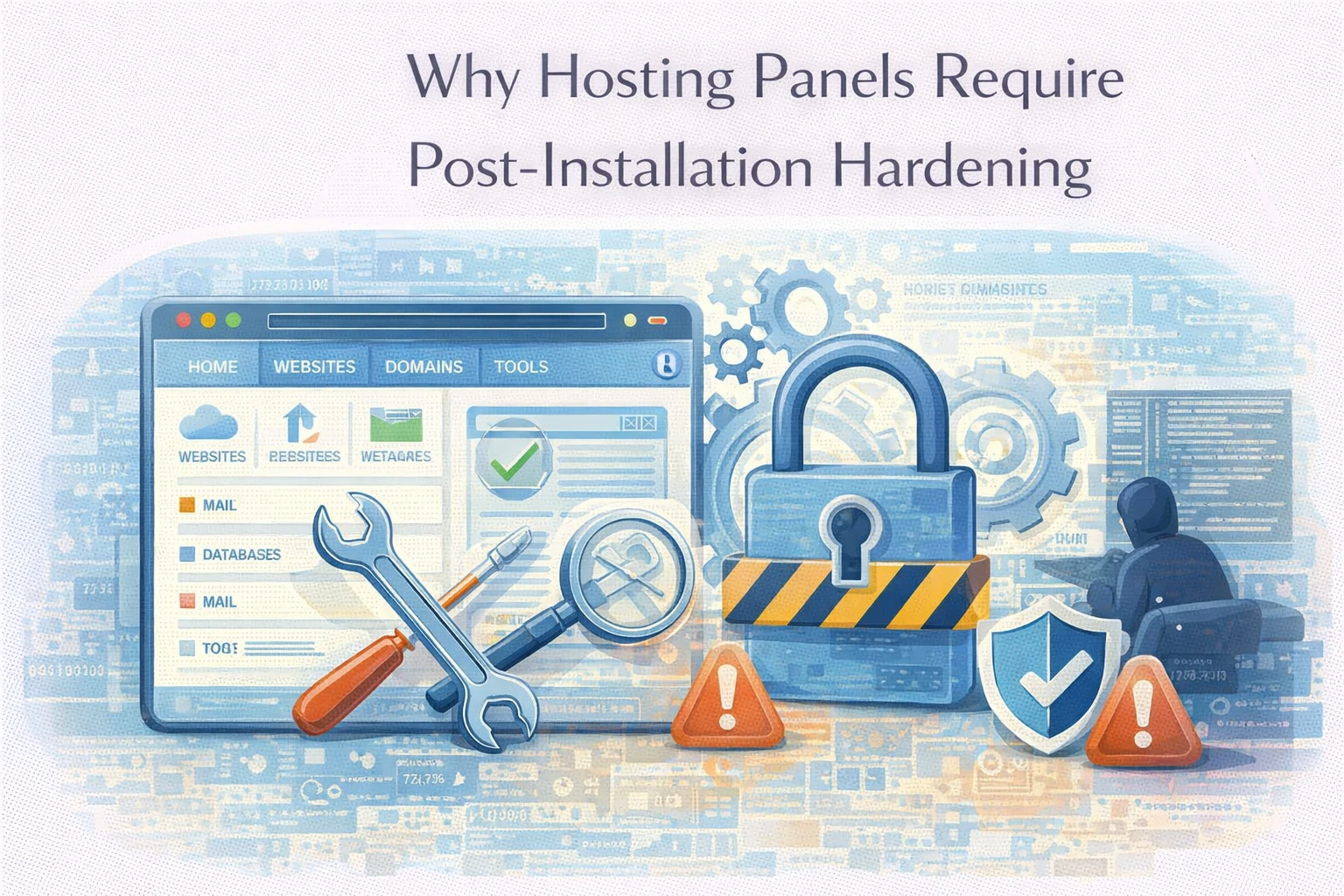
Hosting panels simplify infrastructure deployment.
Control panels such as Virtualmin, cPanel, and Plesk allow administrators to configure servers quickly through graphical interfaces. Services such as web servers, databases, mail systems, and DNS are provisioned automatically.
This convenience reduces setup time.
However, default configurations prioritize usability rather than strict security.
At Wisegigs.eu, server audits frequently identify panel-based environments that function correctly but expose unnecessary services or retain permissive defaults. These environments operate normally until increased traffic, automated scanning, or targeted attacks reveal structural weaknesses.
Ease of deployment does not guarantee secure operation.
Post-installation hardening remains necessary.
Hosting Panels Prioritize Accessibility
Control panels aim to simplify administration.
Interfaces must support a wide range of users with varying technical expertise. As a result, installation processes enable multiple services simultaneously and allow broad configuration access.
These design decisions improve usability.
However, accessibility expands exposure.
Services may be enabled even when not required by the workload. Administrative interfaces may remain reachable from public networks. Default settings often assume flexibility rather than minimal exposure.
Security requires reducing unnecessary accessibility.
Default Configurations Favor Compatibility
Panel defaults support diverse hosting scenarios.
To ensure compatibility with many applications, hosting panels often enable multiple modules, scripting environments, and communication protocols. This flexibility allows rapid deployment across varied workloads.
However, broad compatibility increases complexity.
Examples include:
- multiple PHP versions enabled simultaneously
- mail services configured by default
- DNS services activated even when external providers are used
- database interfaces exposed unnecessarily
Unused services increase maintenance requirements.
Each service introduces additional configuration surface.
CIS benchmarks highlight the importance of disabling unnecessary services:
Reducing active components simplifies security management.
Administrative Interfaces Expand Exposure
Control panels expose management interfaces.
Web-based dashboards provide administrative control over server resources. These interfaces simplify operations but create high-value targets for unauthorized access attempts.
Common exposure points include:
- panel login interfaces
- database administration tools
- webmail interfaces
- DNS configuration dashboards
Each interface requires authentication controls and monitoring.
Limiting access to trusted networks reduces risk.
Administrative endpoints should not remain publicly exposed unnecessarily.
Service Defaults Increase Attack Surface
Panel installations often activate multiple background services.
FTP servers, mail transfer agents, database services, and web server modules may be enabled automatically. Even when unused, these services remain operational.
Active services increase exposure.
Each running service introduces:
- open network ports
- configuration files requiring maintenance
- potential vulnerabilities in dependencies
Reducing active services improves system predictability.
Fewer running components simplify patch management.
Permission Models Require Review
Panel-based environments often include flexible permission models.
User accounts, group privileges, and file access rules are configured automatically during installation. While these defaults enable immediate usability, they may not reflect strict least-privilege principles.
Common issues include:
- overly permissive directory ownership
- shared access between services
- broad administrative privileges
- inconsistent execution permissions
Reviewing permissions improves containment boundaries.
NIST security guidelines emphasize least privilege principles:
Restricting access reduces unintended exposure.
Panel Automation Does Not Guarantee Security
Automation improves repeatability.
However, automation reflects initial configuration assumptions. If defaults include unnecessary services or permissive settings, automation replicates these patterns consistently.
Consequently, automated setup does not guarantee optimal security posture.
Automation accelerates deployment.
It does not replace configuration review.
Each environment requires workload-specific adjustments.
Observability Supports Secure Configuration
Visibility improves infrastructure control.
Monitoring authentication attempts, service activity, and configuration changes provides insight into system behavior. Logs reveal unexpected access patterns or unusual service interactions.
Useful signals include:
- repeated login attempts
- unexpected service restarts
- unusual network activity
- configuration modification events
Observability supports early detection of configuration weaknesses.
Cloudflare security learning resources highlight the importance of reducing exposed services:
https://www.cloudflare.com/learning/security/
Clear visibility improves response capability.
Hardening Improves Long-Term Stability
Hardening aligns configuration with workload requirements.
Removing unused services reduces resource consumption and simplifies maintenance. Restricting administrative interfaces improves predictability. Consistent configuration reduces operational uncertainty.
Benefits include:
- reduced attack surface
- improved resource allocation
- simplified update management
- clearer monitoring signals
Stability improves as unnecessary complexity decreases.
Predictable systems are easier to maintain.
What Reliable Panel Hardening Prioritizes
Effective hardening focuses on structural clarity.
Reliable server configurations typically prioritize:
- disabling unused services
- restricting administrative interface exposure
- reviewing file permissions
- limiting enabled modules
- validating network access rules
- maintaining update discipline
These practices align infrastructure configuration with operational requirements.
At Wisegigs.eu, panel-based environments are hardened after installation to ensure predictable performance and controlled exposure.
Simplicity improves security.
Conclusion
Hosting panels simplify deployment.
However, default configurations prioritize compatibility rather than strict security.
To recap:
- panel defaults enable broad accessibility
- unused services expand attack surface
- administrative interfaces require access restriction
- permission models require review
- automation replicates configuration assumptions
- observability improves configuration awareness
- hardening reduces unnecessary complexity
At Wisegigs.eu, reliable server environments are built by aligning panel configurations with workload requirements and removing unnecessary exposure points.
If a hosting panel installation feels convenient but overly permissive, post-installation hardening is likely required.
Need help securing or optimizing your server panel environment? Contact Wisegigs.eu