
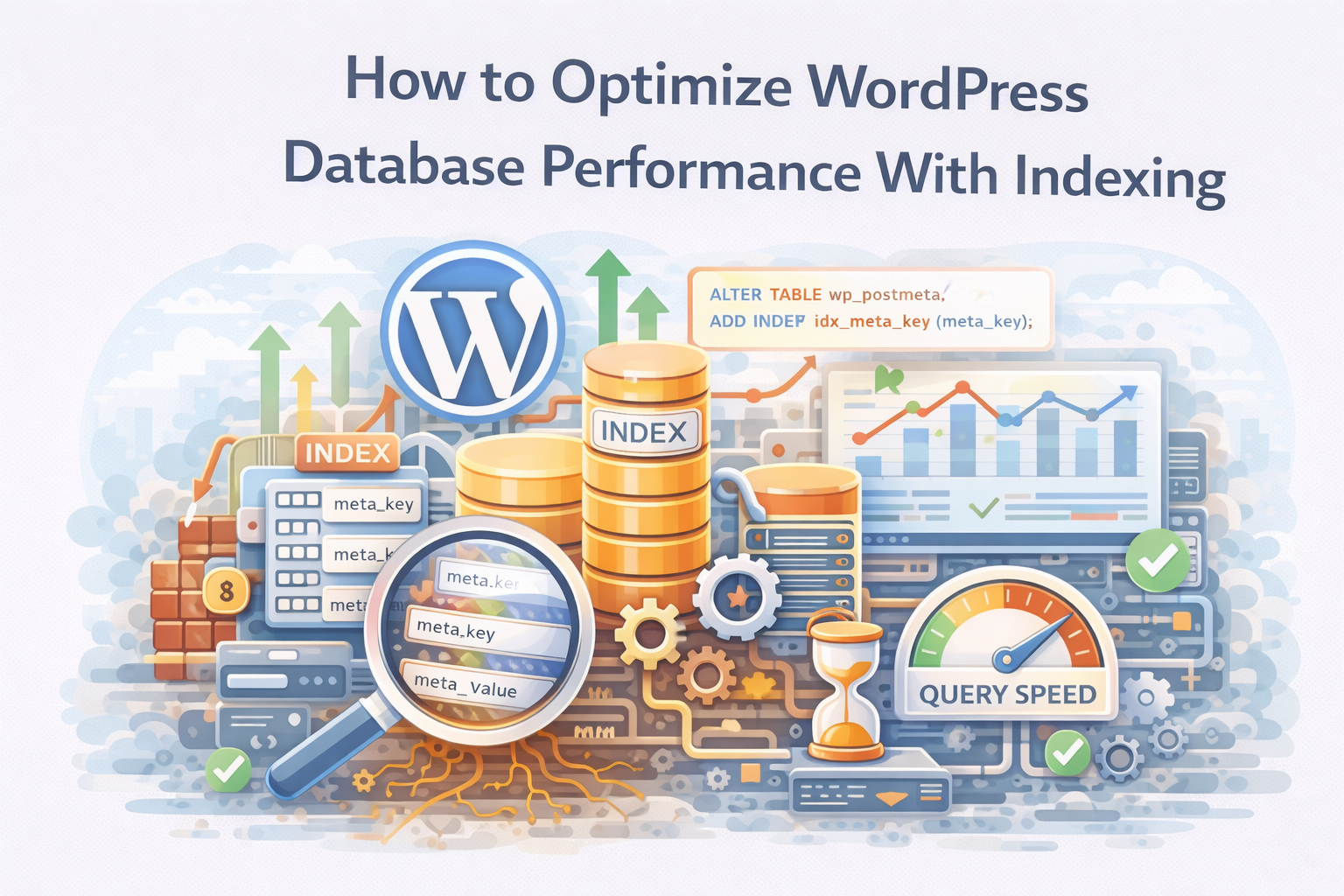
Database performance plays a critical role in WordPress speed.
Every page request triggers multiple database queries. WordPress retrieves posts, metadata, options, taxonomy data, and user information before generating a response. As a result, database efficiency directly affects page load time.
However, many WordPress installations rely entirely on default database indexing.
At Wisegigs.eu, performance audits frequently reveal WordPress sites where database queries slow dramatically as content volume increases. In these environments, the database becomes the primary performance bottleneck.
Fortunately, proper indexing can significantly improve query speed.
Why Database Indexing Matters in WordPress
Indexes help databases locate data quickly.
Without indexes, the database must scan entire tables to find matching rows. This process becomes increasingly expensive as tables grow.
Indexes solve this problem.
Instead of scanning every record, the database can jump directly to relevant rows using indexed columns.
Consequently, query execution time decreases dramatically.
Database documentation consistently emphasizes indexing for performance optimization:
How WordPress Queries the Database
WordPress uses MySQL or MariaDB to store content.
Several core tables handle most operations:
wp_postswp_postmetawp_optionswp_userswp_usermetawp_termswp_term_relationships
Among these, the wp_postmeta table often becomes the largest.
Plugins, custom fields, and WooCommerce data frequently store metadata in this table. As metadata grows, queries filtering by meta_key or meta_value may become slow.
This is where indexing becomes important.
Identifying Slow Queries
Before adding indexes, it is important to identify problematic queries.
A practical way to do this is by using the Query Monitor plugin in WordPress.
https://wordpress.org/plugins/query-monitor/
Query Monitor reveals:
slow database queries
duplicate queries
query execution time
plugin-related queries
After enabling the plugin, review the slow query list and identify which tables and columns are used most frequently.
This information guides indexing decisions.
Understanding Database Indexes
An index is a structured lookup mechanism.
It allows the database engine to locate rows efficiently without scanning the entire table.
Common index types include:
Single-column indexes
Composite indexes
Unique indexes
For WordPress optimization, single-column indexes are often sufficient.
However, composite indexes may help when queries filter using multiple columns.
Common WordPress Tables That Benefit From Indexing
Several WordPress tables frequently benefit from additional indexing.
wp_postmeta
Large sites often query metadata fields.
Example query pattern:
FROM wp_postmeta
WHERE meta_key = ‘_thumbnail_id’;
Adding an index on meta_key improves this query significantly.
wp_options
The options table stores configuration values.
WordPress frequently queries the autoload column during page initialization.
An index here improves startup performance for large option tables.
WooCommerce metadata tables
WooCommerce stores product and order metadata heavily in wp_postmeta.
High-volume stores often require additional indexing to maintain acceptable performance.
Adding Custom Indexes Safely
Indexes can be added using SQL commands.
Before applying changes, always create a database backup.
A typical index addition looks like this:
ADD INDEX idx_meta_key (meta_key);
This command creates an index on the meta_key column.
For queries filtering both meta_key and post_id, a composite index may help:
ADD INDEX idx_meta_key_post_id (meta_key, post_id);
These indexes allow the database engine to resolve queries faster.
Testing Performance Improvements
After adding indexes, verify performance improvements.
Use Query Monitor again to compare:
query execution time
total database queries
page generation time
You should see a measurable improvement for previously slow queries.
However, avoid excessive indexing.
Too many indexes increase write overhead and storage usage.
Monitoring Database Performance Over Time
Database optimization is not a one-time process.
As content volume grows, new performance constraints may appear. Therefore, continuous monitoring becomes important.
Effective monitoring strategies include:
reviewing slow query logs
analyzing database growth
measuring page generation time
observing query frequency
For deeper performance analysis, MySQL provides diagnostic tools:
https://dev.mysql.com/doc/refman/8.0/en/slow-query-log.html
Best Practices for WordPress Database Optimization
Indexing works best when combined with broader database optimization.
Recommended practices include:
limiting unnecessary plugin metadata
cleaning orphaned post meta records
reducing autoloaded options
enabling object caching (Redis or Memcached)
monitoring slow queries regularly
At Wisegigs.eu, WordPress database optimization typically combines indexing improvements with caching and query analysis.
Database efficiency supports overall application performance.
Conclusion
WordPress performance often depends on database efficiency.
As content and metadata grow, poorly indexed tables slow query execution and increase page load times.
To recap:
WordPress relies heavily on database queries
large tables frequently cause performance bottlenecks
indexing allows faster data retrieval
identifying slow queries guides optimization decisions
adding targeted indexes improves query performance
continuous monitoring prevents future slowdowns
At Wisegigs.eu, database indexing remains one of the most effective techniques for improving WordPress performance without modifying application code.
If your WordPress site slows down as content grows, database indexing may resolve the underlying bottleneck.
Need help optimizing WordPress performance or database infrastructure? Contact Wisegigs.eu