
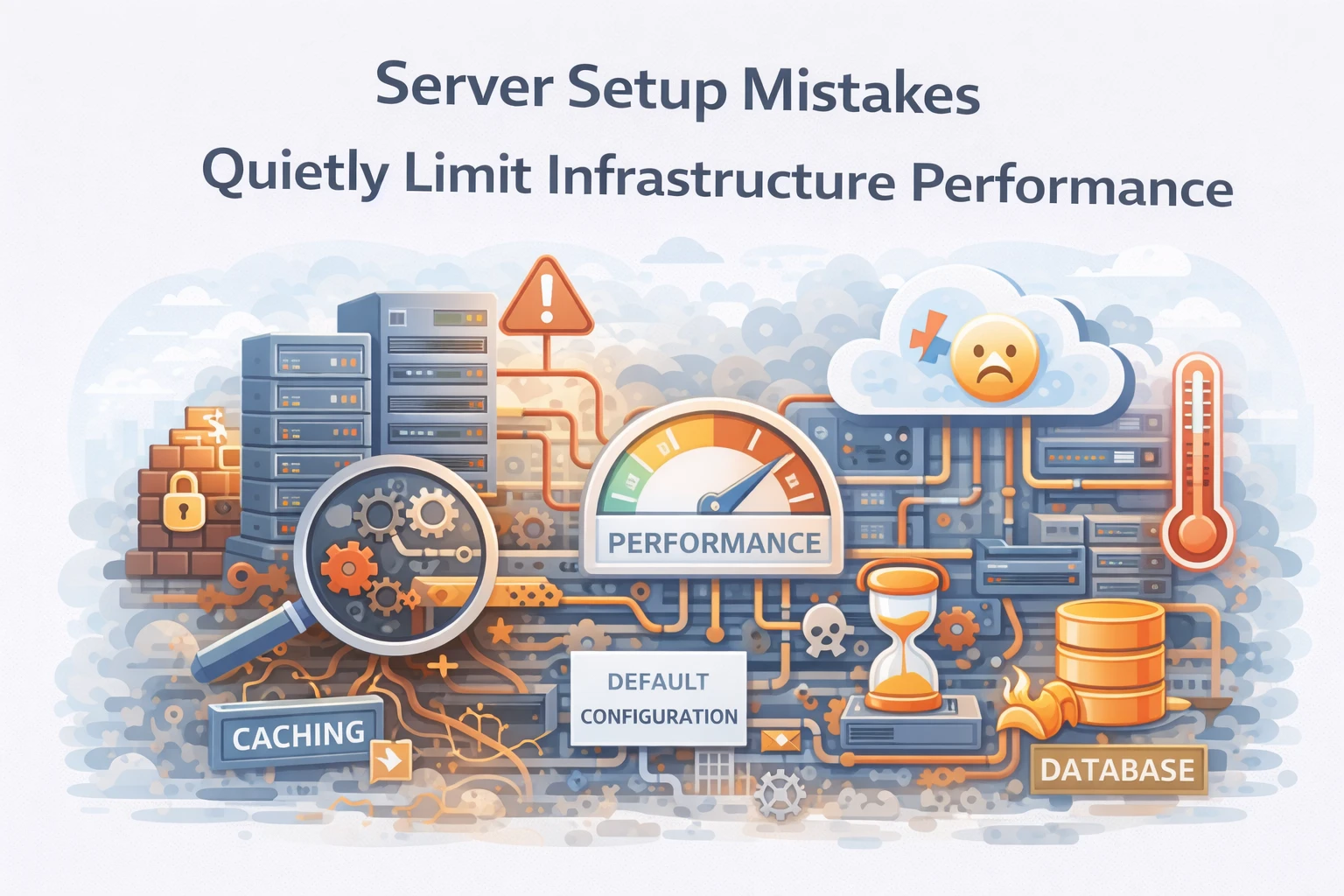
Server setup often appears straightforward.
Administrators deploy a VPS, install a control panel, configure a web server, and deploy applications. Once the environment responds to requests successfully, the infrastructure appears operational.
However, operational does not mean optimized.
At Wisegigs.eu, infrastructure audits frequently reveal environments where performance problems originate from initial server configuration choices. Although hardware resources appear adequate, applications struggle with latency spikes, slow database queries, or inconsistent response times.
These issues rarely originate from application code alone.
In many cases, early setup decisions quietly constrain system performance.
Server Setup Defines Long-Term Infrastructure Behavior
Infrastructure configuration determines how systems behave under load.
CPU scheduling policies, memory allocation, caching mechanisms, and web server tuning all influence how applications process requests. Consequently, the server setup phase defines baseline performance characteristics.
If these settings remain poorly optimized, limitations appear gradually.
Applications may work correctly during early stages. However, as traffic increases, configuration weaknesses begin to surface.
Small setup decisions therefore shape long-term reliability.
Default Configurations Rarely Match Production Needs
Most server software installs with conservative defaults.
These defaults prioritize compatibility and stability across diverse environments. As a result, they rarely match the needs of specific production workloads.
Examples include:
Web servers configured for minimal concurrency
Databases tuned for small development environments
Caching disabled by default
Memory limits configured conservatively
Although these settings function correctly, they frequently prevent infrastructure from reaching its full performance potential.
Ubuntu server documentation explains the importance of workload-specific tuning:
https://ubuntu.com/server/docs
Resource Allocation Mistakes Reduce Performance
Server resources must be distributed carefully.
CPU, memory, and storage capacity should align with application behavior. However, many environments allocate resources without analyzing workload patterns.
For example:
Too little memory allocated to database buffers
Excessive worker processes exhausting CPU capacity
Insufficient disk I/O capacity for database workloads
Improper swap configuration
These mistakes create performance bottlenecks even when hardware appears sufficient.
Consequently, infrastructure may feel underpowered despite adequate resources.
Web Server Configuration Influences Application Speed
Web server configuration directly affects request processing.
Servers such as NGINX or Apache manage connection handling, caching behavior, and request concurrency. Improper tuning can introduce latency even when application code performs efficiently.
Common configuration problems include:
Insufficient worker processes
Inefficient keep-alive settings
Improper compression configuration
Disabled static asset caching
When these parameters remain unoptimized, request processing slows unnecessarily.
NGINX documentation highlights performance tuning practices:
Database Defaults Often Limit Throughput
Database performance strongly influences application speed.
However, many deployments leave database configurations unchanged from installation defaults. These defaults rarely reflect real production workloads.
Typical issues include:
Small query cache limits
Insufficient buffer pool sizes
Improper connection limits
Inefficient temporary table configuration
These limitations increase query latency and reduce throughput.
MariaDB documentation recommends adjusting memory allocation and query tuning for production environments:
Improper Caching Configuration Creates Latency
Caching plays a critical role in modern web infrastructure.
Without caching layers, applications repeatedly perform expensive database queries or file operations. Consequently, response times increase under load.
Effective caching strategies may include:
Object caching with Redis or Memcached
Full-page caching for dynamic content
Static asset caching at the web server level
Content delivery network integration
When caching is absent or misconfigured, server workloads increase unnecessarily.
Performance declines as traffic grows.
Security Controls Can Affect Performance
Security configuration is essential.
However, improperly configured security controls may unintentionally introduce performance overhead. Firewalls, rate limiting rules, and application-level security filters require careful tuning.
For example:
Excessive logging may slow disk operations
Improper firewall rules may increase packet inspection time
Unoptimized WAF rules may increase request processing latency
Therefore, security and performance must remain balanced.
Cloudflare’s security learning resources discuss this relationship extensively:
https://www.cloudflare.com/learning/security/
Monitoring Should Begin During Server Setup
Monitoring is often introduced after problems appear.
However, reliable infrastructure requires observability from the beginning. Early monitoring allows teams to detect resource imbalances before they evolve into performance incidents.
Effective monitoring should track:
CPU and memory utilization
Disk I/O latency
Network throughput
Application response time
Database query performance
Without this visibility, diagnosing infrastructure problems becomes significantly more difficult.
At Wisegigs.eu, monitoring systems are integrated during initial server provisioning rather than after deployment.
What Reliable Server Setup Practices Prioritize
Stable infrastructure environments follow disciplined setup practices.
Effective server setups typically emphasize:
Workload-specific configuration tuning
Balanced resource allocation
Optimized web server parameters
Database performance tuning
Structured caching layers
Early monitoring and observability
These practices ensure infrastructure can scale predictably as application traffic increases.
Conclusion
Server infrastructure rarely fails immediately.
Instead, early configuration mistakes gradually limit performance.
To recap:
Server setup defines baseline infrastructure behavior
Default configurations rarely match production workloads
Resource allocation mistakes create hidden bottlenecks
Web server tuning influences request performance
Database defaults often restrict throughput
Caching configuration shapes application responsiveness
Security controls must balance protection and performance
Monitoring should begin during server setup
At Wisegigs.eu, stable hosting environments begin with disciplined infrastructure setup, careful configuration tuning, and proactive monitoring.
If your server appears adequately provisioned but performance remains inconsistent, the constraint may originate from early setup decisions.
Need help optimizing server infrastructure or panel-based hosting environments? Contact Wisegigs.eu