
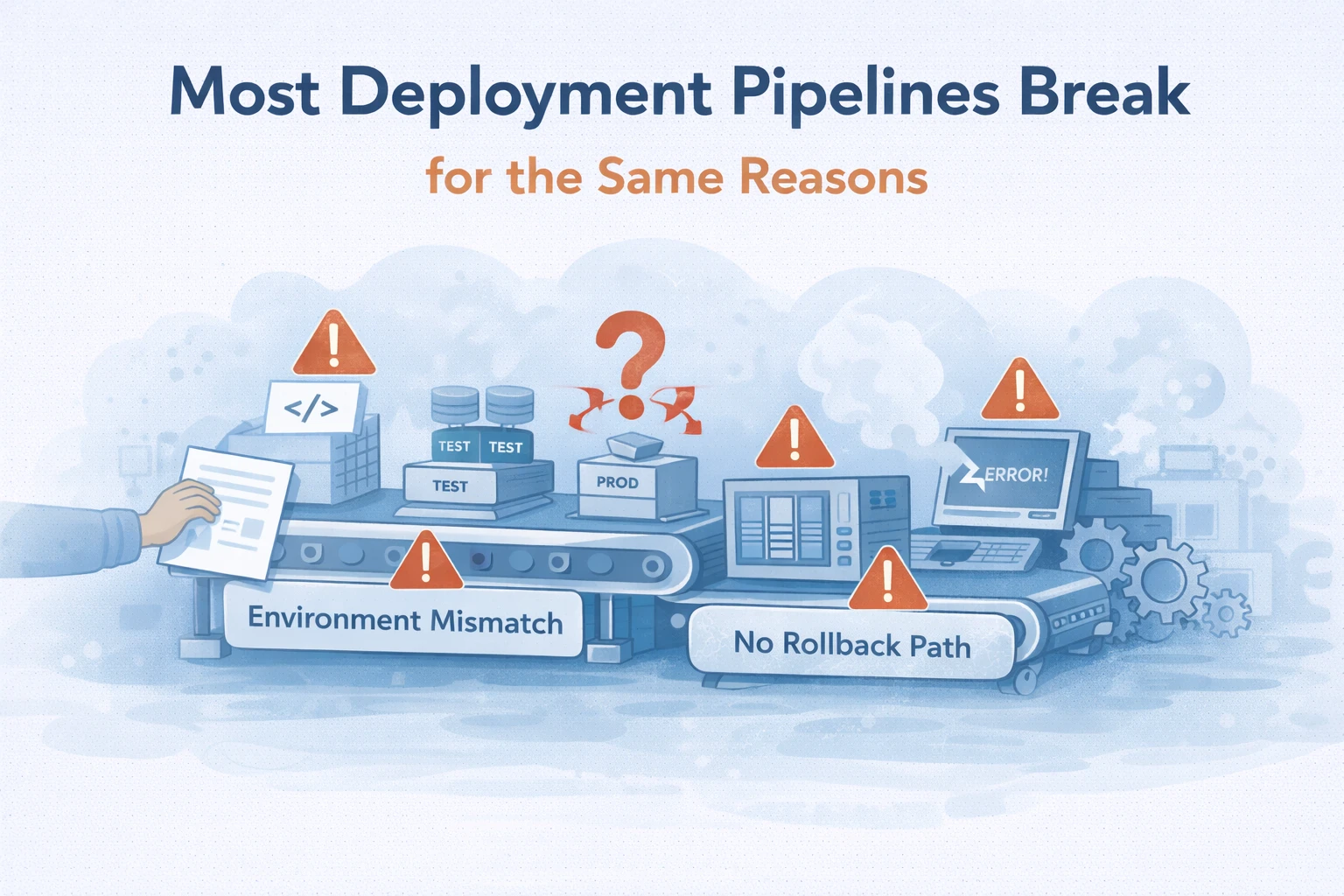
Most deployment pipelines do not fail because teams lack tooling.
They fail because pipelines are treated as delivery accelerators instead of risk control systems.
On paper, CI/CD pipelines promise faster releases, fewer errors, and smoother deployments. In reality, many teams experience the opposite: brittle releases, late-night rollbacks, and growing distrust in automation.
At Wisegigs.eu, we review deployment pipelines across WordPress, SaaS, and custom application stacks. Despite differences in tooling, the same failure patterns appear repeatedly. This article breaks down why most deployment pipelines break — and what teams consistently overlook.
Failure Pattern #1: Treating CI/CD as a Tooling Problem
Many teams equate CI/CD maturity with the number of tools in their pipeline.
Common assumptions include:
More automation equals less risk
More checks equal better safety
More stages equal higher maturity
In practice, tooling does not fix unclear processes.
When pipelines lack a clear purpose, teams add tools reactively. As a result, pipelines grow complex without becoming safer.
CI/CD should answer one question first:
What risk does this stage reduce?
Google’s SRE guidance stresses that automation without clear failure models often increases operational risk instead of reducing it:
https://sre.google/sre-book/
Failure Pattern #2: Pipelines That Don’t Reflect Production Reality
Many pipelines validate code in environments that look nothing like production.
Typical mismatches include:
Different PHP or runtime versions
Missing caching layers
Disabled background jobs
Reduced traffic patterns
Absent third-party integrations
As a result, deployments pass every check — and still fail in production.
Pipelines that ignore production conditions provide false confidence. Teams then discover issues only after users do.
At Wisegigs.eu, pipeline failures often trace back to environment drift, not faulty code.
Failure Pattern #3: Overloading Pipelines With Non-Actionable Checks
CI/CD pipelines frequently fail because they try to catch everything.
Teams add:
Dozens of linting rules
Static analysis with unclear thresholds
Security scans without triage paths
Performance checks without baselines
Eventually, signals blur.
When pipelines generate noise instead of insight, teams begin to ignore failures. At that point, the pipeline stops acting as a safety mechanism.
Effective pipelines prioritize actionable failures, not comprehensive coverage.
Failure Pattern #4: Deployments Without Rollback Discipline
Many pipelines assume deployments only move forward.
That assumption is dangerous.
Common weaknesses include:
No tested rollback path
Manual rollback steps
Database changes that are irreversible
State changes coupled to code releases
When something breaks, teams scramble. Rollbacks fail. Downtime extends.
Reliable pipelines treat rollback as a first-class operation, not an afterthought.
Failure Pattern #5: Speed Optimized at the Expense of Safety
Fast deployments look good in dashboards.
However, speed without control increases incident frequency.
Warning signs include:
Direct deploys to production
Missing approval or gating stages
Skipped tests “to move faster”
No post-deployment validation
Teams often confuse continuous delivery with continuous risk.
At Wisegigs.eu, we see teams regain confidence in CI/CD only after slowing deployments down intentionally — adding guardrails instead of shortcuts.
Failure Pattern #6: No Observability After Deployment
Many pipelines stop at “deploy succeeded.”
That is not enough.
Without post-deployment observability, teams miss:
Performance regressions
Error-rate increases
Background job failures
Partial feature breakage
A deployment is not complete until the system proves it is healthy.
Modern DevOps practices emphasize deployment verification, not just execution. Pipelines should confirm that user experience remains intact after release.
Cloudflare’s engineering blog frequently highlights the importance of monitoring changes at the edge and application layer after deployments:
https://www.cloudflare.com/learning/
Failure Pattern #7: Pipelines Owned by No One
CI/CD often exists in a gray zone.
Developers assume ops owns it.
Ops assumes developers manage it.
Security assumes controls exist somewhere.
As a result:
Pipelines decay
Checks become outdated
Exceptions pile up
Documentation lags reality
Pipelines require ownership.
At Wisegigs.eu, stable CI/CD systems always have explicit owners who maintain rules, thresholds, and processes over time.
What Reliable Deployment Pipelines Actually Do
Strong pipelines focus on risk reduction, not speed.
They consistently provide:
Environment parity with production
Clear failure signals
Enforced rollback paths
Deployment verification
Auditable change history
They also remain simple.
CI/CD maturity is not about complexity. It is about trust.
How to Fix Broken Pipelines Without Rebuilding Everything
Most teams do not need a new CI/CD platform.
Instead, they need to:
Remove checks that do not trigger action
Align test environments with production
Define rollback as a requirement
Add post-deployment health validation
Assign clear pipeline ownership
Small changes often deliver larger reliability gains than full rewrites.
Conclusion
Most deployment pipelines break for the same reasons — not because teams fail to automate, but because they automate without intent.
To summarize:
CI/CD is risk management, not tooling
Pipelines must reflect production reality
Noise destroys trust
Rollbacks must be deliberate
Observability completes deployments
Ownership prevents decay
At Wisegigs.eu, CI/CD pipelines are treated as operational systems, not developer conveniences.
If your pipeline “works” but teams still fear deployments, the problem is not speed — it is trust.
Need help diagnosing why your deployment pipeline keeps breaking? Contact Wisegigs.eu.