
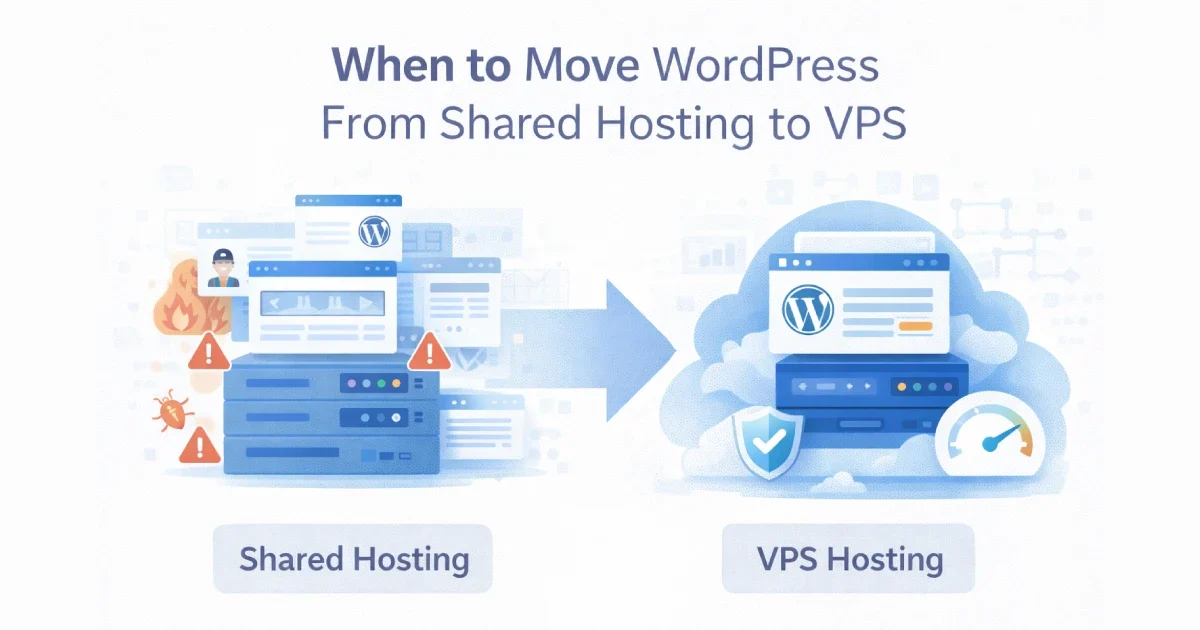
Shared hosting is often where WordPress sites begin — it’s affordable, simple, and good enough at low traffic levels. But as a site grows, shared hosting becomes a hidden bottleneck. Performance slows, reliability drops, and troubleshooting turns into guesswork because resources are shared with dozens or hundreds of other sites.
The real challenge is knowing when shared hosting stops being “good enough” and starts actively hurting your site.
At Wisegigs.eu, many WordPress performance issues are resolved not by optimization plugins, but by moving to the right VPS architecture at the right time. This guide explains the clear signals that indicate it’s time to move from shared hosting to VPS — and what changes when you do.
1. What Shared Hosting Is (and Its Limits)
Shared hosting means:
Multiple websites run on the same server
CPU, RAM, disk I/O, and network are shared
You have little to no control over server configuration
One noisy neighbor can affect everyone
This model works for:
Small blogs
Low-traffic marketing sites
Early-stage projects
But it breaks down quickly as traffic, plugins, or business importance increases.
2. Performance Becomes Unpredictable
One of the first signs shared hosting is no longer sufficient is inconsistent performance.
Warning signs:
Pages load fast sometimes, slow at other times
Sudden spikes in TTFB with no traffic increase
Admin dashboard feels sluggish
Cron jobs take longer to run
Cache plugins don’t fully solve speed issues
This usually happens because other sites on the same server are consuming resources.
At Wisegigs.eu, unpredictable latency is one of the strongest indicators that shared hosting has reached its limits.
3. Traffic Growth Starts to Hurt Stability
Shared hosting is not designed for sustained traffic growth.
Red flags:
Site slows down during campaigns or launches
Hosting provider throttles your account
Temporary suspensions due to “resource abuse”
Errors during peak traffic periods
If your site depends on uptime for:
Lead generation
Sales
Paid media campaigns
then shared hosting becomes a business risk.
4. You Need Better Caching and Server Control
Modern WordPress performance relies on server-level optimizations.
Shared hosting typically restricts:
Object caching (Redis / Memcached)
Advanced PHP configuration
Custom NGINX rules
Full-page cache tuning
Background process control
On a VPS, these are standard capabilities.
5. WooCommerce or Dynamic Functionality Is Growing
WooCommerce changes the equation completely.
Signs shared hosting struggles with WooCommerce:
Slow checkout
Admin order management lag
Timeouts during sales
Cart and session issues
Cache conflicts with logged-in users
E-commerce workloads require:
Consistent CPU availability
Fast database performance
Reliable object caching
Shared hosting is rarely suitable for growing WooCommerce stores.
At Wisegigs.eu, WooCommerce sites almost always outgrow shared hosting earlier than content-only sites.
6. Security and Isolation Become Important
Shared hosting increases your exposure.
Common concerns:
Other sites on the server get hacked
Cross-account vulnerabilities
Limited firewall control
No access to server logs
Slow incident response
With a VPS:
Your site is isolated
You control firewall rules
Logs are accessible
Security policies are enforceable
Hetzner’s documentation highlights VPS isolation as a key security advantage over shared hosting:
https://docs.hetzner.com/cloud/
7. You Need Predictable Resources
On shared hosting, you never really know what you’re getting.
VPS advantages:
Guaranteed CPU cores
Dedicated RAM
Predictable disk I/O
Stable performance under load
This predictability is essential for:
Performance optimization
Capacity planning
Monitoring and alerting
8. Monitoring and Troubleshooting Are Limited
Shared hosting limits visibility.
Typical limitations:
No access to system metrics
No slow query logs
No PHP process insights
No meaningful monitoring
On a VPS, you can monitor:
CPU and memory usage
PHP worker saturation
Database performance
Cache hit ratios
Traffic patterns
This visibility is required for serious performance and reliability work.
9. Your Business Depends on WordPress
This is often the deciding factor.
If WordPress is:
Your main revenue channel
Your primary lead source
A critical marketing asset
Then infrastructure should not be a gamble.
At Wisegigs.eu, we recommend VPS hosting as soon as WordPress becomes business-critical — even if traffic is still moderate.
10. What Changes When You Move to VPS
Moving to VPS is not just a hosting upgrade — it’s an architectural shift.
What improves:
Performance consistency
Scalability
Security posture
Caching efficiency
Monitoring and control
What you need to manage:
Server maintenance
Updates and patches
Backups
Monitoring
This is why many teams choose managed VPS setups or professional support.
Conclusion
Shared hosting is a starting point — not a long-term foundation. As traffic grows, performance becomes inconsistent, WooCommerce workloads increase, or business risk rises, moving to VPS becomes less of an upgrade and more of a necessity.
To recap, it’s time to move when:
Performance becomes unpredictable
Traffic spikes cause slowdowns
Advanced caching is required
WooCommerce starts to struggle
Security and isolation matter
Monitoring and control are needed
WordPress becomes business-critical
Not sure if your WordPress site is ready for VPS? Contact Wisegigs.eu for an infrastructure assessment.