
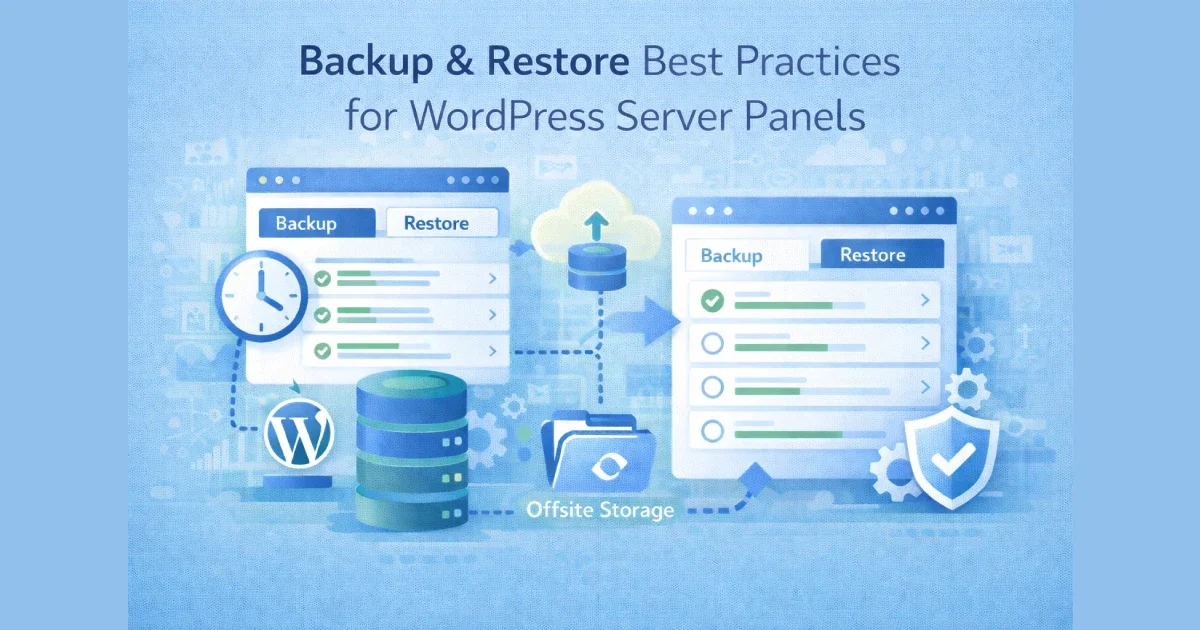
Backups are easy to configure — restores are where most WordPress hosting setups fail. Many sites technically “have backups,” but those backups are incomplete, outdated, slow to restore, or unusable during real incidents.
In production hosting, backups are not a feature — they are a recovery system.
At Wisegigs.eu, backup and restore workflows are treated as part of reliability engineering, not as a panel checkbox. This guide explains how to design backup and restore processes inside WordPress server panels that actually work when things go wrong.
1. Define What You Are Actually Backing Up
Before configuring any panel, clarify scope.
A complete WordPress backup includes:
Application files (core, themes, plugins)
Uploads and media
Database (content, users, settings)
Configuration files (wp-config, server configs)
SSL certificates (where applicable)
Partial backups give a false sense of safety.
DigitalOcean emphasizes that backups must include all stateful components to be recoverable:
https://www.digitalocean.com/community/tutorials
2. Separate Backup Responsibility From the Panel
Server panels make backups easy — and dangerous.
Why panel-only backups are risky:
Stored on the same server
Deleted during server failure
Lost during account suspension
Often poorly versioned
Best practice:
Panel initiates backups
Backups stored off-server (object storage, remote server)
At Wisegigs.eu, no production WordPress site relies on same-server backups alone.
3. Use Multiple Backup Layers
One backup is not a strategy.
Minimum recommended layers:
Daily automated backups (full site)
Frequent database backups (daily or hourly for active sites)
Pre-deployment snapshots
Offsite retention (30–90 days)
This protects against:
Accidental deletions
Failed updates
Security incidents
Data corruption
Hetzner’s documentation highlights offsite backups as a core VPS reliability practice:
https://docs.hetzner.com/cloud/
4. Version and Retain Backups Intentionally
Unlimited backups sound good — until you need one.
Retention guidelines:
Short-term: frequent (daily/hourly)
Medium-term: weekly snapshots
Long-term: monthly archives
Avoid:
Overwriting backups
Single rolling backups
Unlabeled snapshots
Retention policy should match business risk, not disk space.
5. Test Restore Procedures Regularly
An untested backup is a gamble.
Restore tests should verify:
Database integrity
Media availability
Plugin and theme compatibility
Configuration correctness
Admin access
Front-end functionality
Smashing Magazine stresses that restore testing is the only way to validate backups:
https://www.smashingmagazine.com/
At Wisegigs.eu, restore tests are performed proactively — not after incidents.
6. Separate File and Database Restores
Not every incident needs a full restore.
Use cases:
Content deletion → database-only restore
Broken plugin → file restore
Media loss → uploads restore
Server panels that allow granular restores reduce downtime and data loss.
7. Automate Pre-Change Backups
Human error causes most WordPress incidents.
Always trigger backups before:
Plugin updates
Theme changes
WordPress core updates
PHP version changes
Server configuration changes
This ensures a fast rollback path.
Google SRE guidance emphasizes rollback readiness as a reliability requirement:
https://sre.google/sre-book/
8. Protect Backups From Security Threats
Backups are high-value targets.
Backup security best practices:
Encrypt backups at rest
Restrict access permissions
Use separate credentials
Avoid public storage buckets
Monitor backup access logs
A compromised backup can expose your entire site history.
9. Document Restore Playbooks
In an incident, speed matters.
Restore playbooks should include:
Where backups are stored
How to access them
Restore order (DB vs files)
Verification steps
Rollback decision points
At Wisegigs.eu, restore playbooks are documented and accessible before incidents occur.
10. Align Backup Strategy With Business Impact
Not all WordPress sites need the same approach.
High-impact sites require:
Frequent backups
Fast restore times
Staging restore tests
Clear RTO/RPO targets
Low-risk sites can accept:
Daily backups
Longer restore windows
Backup strategy should reflect business criticality, not convenience.
Common Backup Mistakes to Avoid
Relying on hosting provider backups only
No offsite copies
No restore testing
Single backup schedule for all sites
No documentation
Ignoring backup security
These mistakes are responsible for most irreversible WordPress data losses.
Conclusion
Backups are not about storage — they are about recovery. WordPress server panels can simplify backup management, but only when used with discipline, redundancy, and testing.
To recap:
Back up all stateful components
Store backups off-server
Use multiple layers and retention policies
Test restores regularly
Automate pre-change backups
Secure and document everything
Need a production-grade backup and restore setup for your WordPress infrastructure? Contact Wisegigs.eu.