
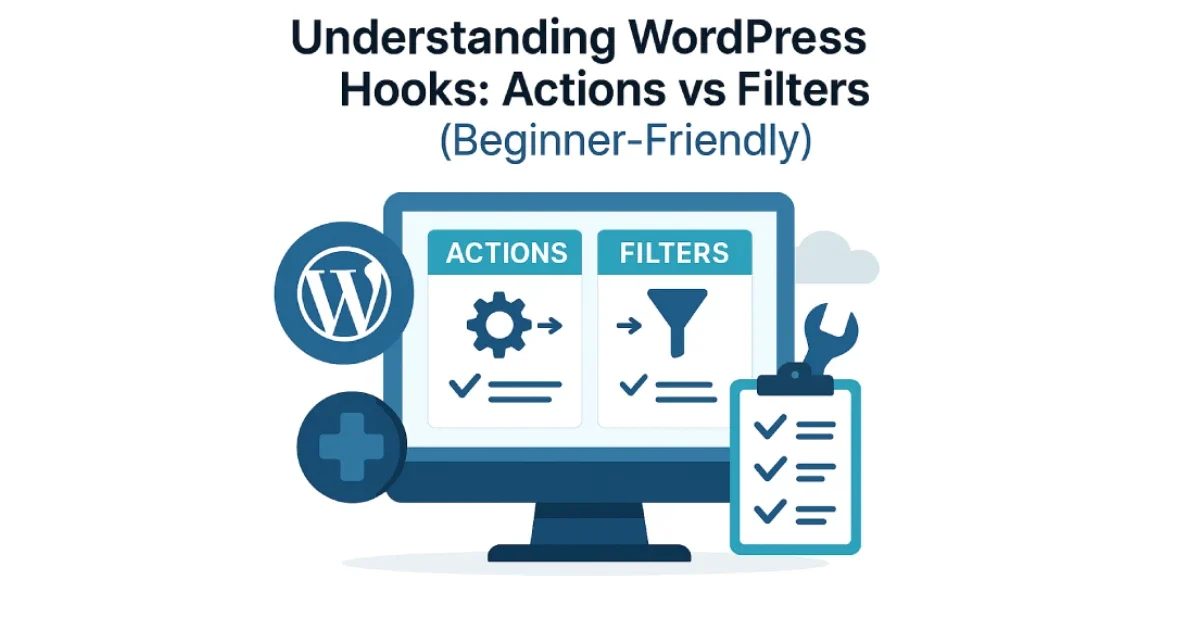
WordPress is powerful not because of themes or plugins alone, but because of its hook system. Hooks allow developers to modify, extend, or react to WordPress behavior without editing core files. Once you understand how hooks work, customizing WordPress becomes significantly easier and far more stable.
At Wisegigs.eu, we rely heavily on hooks when building scalable custom features, API integrations, and efficient automations. They help us keep code clean, predictable, and upgrade-safe — exactly what a high-traffic WordPress environment requires.
This beginner-friendly guide explains the differences between actions and filters, when to use each, and how they power almost everything inside WordPress.
1. What Are WordPress Hooks?
Hooks are connection points in WordPress that allow developers to “hook into” specific moments during execution. They let you modify behavior, add features, or change output — all without touching the WordPress core.
There are two types of hooks:
Actions – do something
Filters – change something
This simple distinction makes it easier to understand how WordPress functions under the hood.
The WordPress Developer Handbook explains that hooks are essential because they promote modular development, allowing custom logic to run at precise moments:
https://developer.wordpress.org/plugins/hooks/
Understanding hooks is the foundation of safe and extensible WordPress development.
2. What Are Action Hooks?
Action hooks allow you to insert new functionality at a specific point in WordPress execution. They trigger code — meaning they cause an event to happen.
Think of actions as “When this happens, run this task.”
Common examples include:
Running code when a post is published
Sending emails after user registration
Adding custom scripts to the header or footer
Triggering automations on WooCommerce purchase events
Actions are perfect for tasks that add, start, or trigger something. They don’t alter existing data — they simply respond to events.
Google Search Central emphasizes the importance of triggered actions in improving automation workflows and reducing manual overhead in technical implementations:
https://developers.google.com/search/blog
3. What Are Filter Hooks?
While actions do something, filters change something.
Filters are used to modify values before they are displayed or saved. They take existing data, adjust it, and return the modified version.
Examples include:
Changing the content of a post before display
Modifying menu titles
Adjusting email subject lines
Customizing API responses
Filters are essential when you need precise control over what WordPress outputs.
4. How Actions and Filters Work Together
Most modern WordPress features — from plugins to page builders — rely heavily on hooks.
For example:
WooCommerce uses actions to trigger emails, order creation, stock updates.
Yoast SEO uses filters to allow custom title tags, meta descriptions, and OG tags.
Elementor uses hooks to let developers register new widgets and controls.
Actions and filters together form the backbone of almost all WordPress extensibility.
At Wisegigs.eu, our API systems, caching workflows, and automation scripts depend on hooks to avoid modifying core files and ensure clean update paths.
5. When Should You Use Each Type?
Here’s a simple way to decide:
Use an Action When:
You want to execute a new task
You want something to happen at a specific time
You are not changing existing data
Example situations:
Triggering a notification
Logging user activity
Creating backups
Registering custom post types
Use a Filter When:
You want to modify text, data, or settings
You need to adjust formatting
You want to alter a value before output
Example situations:
Changing button labels
Editing email text content
Adjusting image alt tags
Modifying SEO titles
6. Why Hooks Matter for Performance and Scalability
Hooks are lightweight and efficient — but only when used correctly.
Poor-quality hooks can cause:
Slow performance
Infinite loops
Memory leaks
Conflicting plugin behavior
High-traffic WordPress sites rely on clean, well-structured hook logic. When building optimized hosting systems, we use:
Isolated hook callbacks
Minimal queries inside hooks
Clear conditional logic
Performance-aware event handling
These practices help ensure scalability and prevent unnecessary load during peak traffic.
Sites like Smashing Magazine frequently emphasize modular, hook-driven architecture as a best practice for maintainable WordPress builds:
https://www.smashingmagazine.com/category/wordpress/
7. Real-World Examples of Wisegigs Hook Usage
Here’s how we apply hooks across client projects:
✔ Performance Workflows
We use hooks to purge cache layers automatically when content updates, ensuring fast and fresh responses.
✔ Custom APIs for Mobile or Headless Front-Ends
Filters help us shape the response format, while actions trigger sync events and logs.
✔ Automation for Marketing & CRM
Hooks connect WooCommerce purchases with CRM pipelines, email triggers, and analytics.
✔ Security Hardening
We use hooks to monitor suspicious events, limit requests, and enforce stricter login policies.
Hooks let us build reliable systems without introducing technical debt.
Conclusion
WordPress hooks — actions and filters — are at the heart of customization, performance tuning, and scalable architecture. When used correctly, they give developers full control without modifying core files.
Actions trigger events, while
Filters modify data.
Mastering both is essential for modern, clean, and reliable WordPress development.
If you want professional-grade customization, automation, or API development, hooks are the safest and most flexible way to build them.
Need help building scalable features using WordPress hooks?
Contact Wisegigs.eu today and we’ll help you implement best-practice, high-performance solutions.