
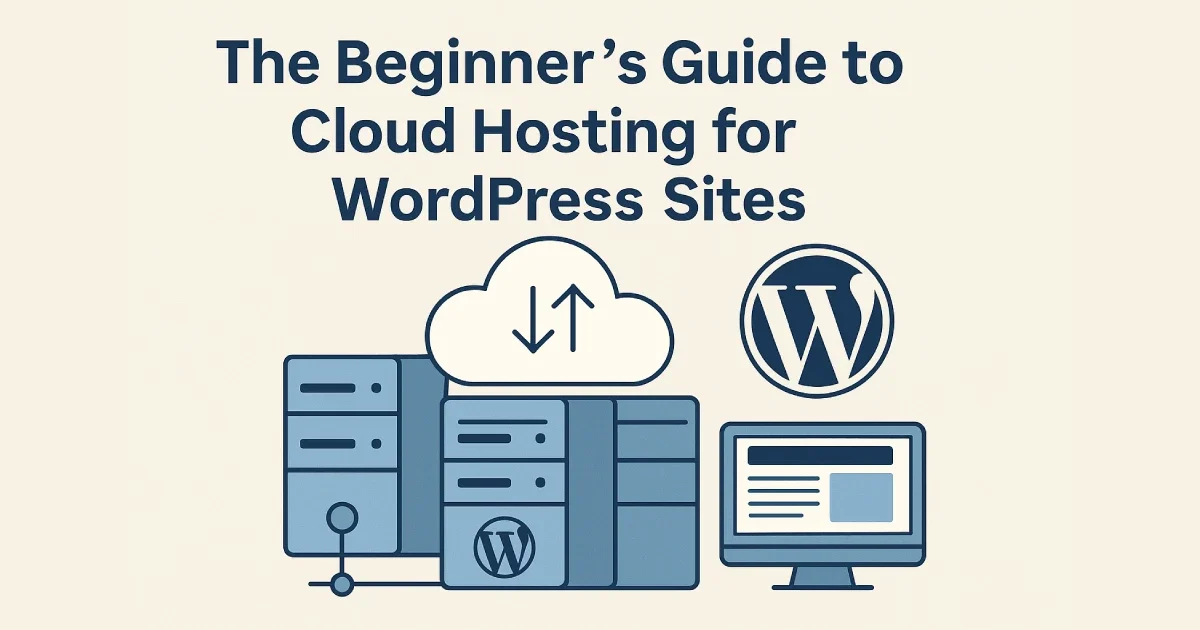
Choosing the right hosting environment is one of the most important decisions you can make for your WordPress website. While traditional shared hosting may work for small blogs, modern WordPress sites require more speed, scalability, and reliability than ever before. That’s where cloud hosting comes in.
Cloud hosting provides flexible, high-performance infrastructure that adapts to your website’s needs. Instead of relying on a single physical server, your site runs on a cluster of distributed machines, improving uptime and reducing the risk of service interruptions.
At Wisegigs.eu, we help teams transition from outdated hosting to modern cloud-based environments designed for performance and reliability. This beginner-friendly guide explains what cloud hosting is, how it works, and how to choose the right cloud plan for your WordPress website.
2. How Cloud Hosting Differs From Shared Hosting and VPS
To understand why cloud hosting stands out, it helps to compare it to the two most common hosting types.
Shared Hosting
Shared hosting places many websites on a single server. If one site consumes excessive resources, everyone else slows down. This is the most affordable option—but also the least reliable.
VPS Hosting
A VPS (Virtual Private Server) provides dedicated virtual resources on a single physical machine. It offers more power than shared hosting but still depends on one server.
Cloud Hosting
Cloud hosting distributes your WordPress site across multiple servers. It combines the flexibility of a VPS with the reliability of a redundant cloud environment.
Cloud hosting is ideal for websites that require consistent performance even as traffic grows.
3. Why Cloud Hosting Is Ideal for WordPress
WordPress performs exceptionally well on cloud environments because the platform benefits from modern infrastructure.
Key advantages include:
Scalability
If you publish content that suddenly goes viral, cloud hosting automatically adds more resources. No downtime, no manual upgrades.
Better Performance
Cloud providers offer faster processors, newer hardware, and high-performance SSD or NVMe storage.
Improved Security
Cloud environments support firewalls, DDoS protection, backups, automated updates, and isolated server resources.
More Control
You have more flexibility with server configurations, PHP versions, and caching layers.
According to Cloudflare’s technical blog, distributed infrastructure significantly improves reliability and resilience during heavy load or attacks. This mirrors the structure of most cloud hosting providers.
4. How Cloud Hosting Works Behind the Scenes
At a high level, here’s what happens in a cloud environment:
Your files and database are stored across a distributed network
A load balancer directs traffic to the healthiest machine
If a server becomes slow or unavailable, traffic shifts automatically
Resource usage is monitored continuously
Providers scale CPU, RAM, or storage when needed
This redundancy ensures your WordPress site remains accessible even during unexpected events.
5. Key Features to Look for in a WordPress Cloud Host
Not all cloud hosting providers are equal. When choosing one, focus on features that directly impact WordPress performance.
Important features:
SSD or NVMe storage
Automatic daily backups
Staging environments
Server-level caching
Global CDN support
Firewall and security layers
Built-in monitoring tools
“Pay only for what you use” resource scaling
24/7 support
DigitalOcean’s documentation highlights how modern cloud platforms prioritize reliability and transparency. These principles help developers and businesses maintain stable WordPress environments.
6. Top Cloud Hosting Providers for WordPress
While there are hundreds of providers, these are the most trusted options:
1. DigitalOcean
Simple, developer-friendly cloud servers (Droplets) with predictable pricing.
2. Amazon Web Services (AWS)
Highly scalable but more complex to configure.
3. Google Cloud Platform (GCP)
Excellent for global performance; great for enterprise WordPress setups.
4. Hetzner Cloud
High-performance European cloud servers known for reliability and cost-efficiency.
5. Vultr & Linode
Affordable alternatives with powerful compute options.
At Wisegigs.eu, we help clients deploy optimized WordPress environments on these cloud providers using streamlined server setups and monitoring tools.
7. Who Should Use Cloud Hosting?
Cloud hosting is ideal for:
Growing blogs and business sites
E-commerce stores
Membership platforms
Learning platforms (LMS)
Agency-managed client websites
High-traffic WordPress deployments
Organizations needing 99.9% uptime
If your WordPress website earns revenue, cloud hosting is almost always worth the upgrade.
8. How to Know You’re Ready to Switch to Cloud Hosting
You may be ready for cloud hosting if:
Your site loads slowly during traffic spikes
You’re hitting resource limits on shared hosting
Your host frequently crashes
You want better uptime
You need more control over the environment
You plan to scale your content or user base
Cloud hosting offers stability and growth potential without major complexity.
Conclusion
Cloud hosting is one of the most reliable and scalable options for WordPress websites today. Whether you’re running a small business site or a fast-growing online store, cloud infrastructure ensures better speed, uptime, and long-term stability.
If you want predictable performance, stronger security, and the ability to grow without hitting server limits, cloud hosting is the best path forward.
Need help choosing the right cloud hosting setup for WordPress?
Contact us today